AI in Marketing – Best Tools in 2026
We'll walk you through the best AI marketing tools in 2026, grouped by case studies.
Marketers today aren't asking if they should use AI. Instead, they are figuring out the best way to do it. Some recent studies have shown that over 80% marketers now use AI to save time, personalize campaigns, and drive growth. From writing copy to spotting trends, these tools are changing how brands work day to day.
Tools like Recommend Studio are leading this shift by combining trend intelligence with content creation, while others focus on specific marketing challenges like email automation, ad optimization, or customer segmentation.
In this article, we'll walk you through the best AI marketing tools in 2026. We'll group them by use case, so you can quickly see what's worth trying for your own marketing strategy.
Why Use AI Tools in Marketing?
The answer is actually straightforward and simple: because they solve real problems marketers face every day. These are the most important benefits:
Efficiency: automate repetitive tasks like reporting, scheduling, or generating first drafts.
Personalization: deliver content and offers tailored to each customer's behavior. Recent industry research shows marketers are widely adopting gen-AI to personalize at scale.
Scale: run campaigns across channels without adding extra headcount.
Cost savings: save resources by targeting smarter and working faster.
Consequently, AI shows its value in day-to-day tasks that directly impact results. Here are just a few examples of what you can do with AI tools:
Writing ad copy that matches audience intent.
Segmenting email lists for higher open and click rates.
Spotting emerging trends before competitors act.
Streamlining content creation workflows from ideation to publishing with content automation and content marketing automation tools.
Using data insights to identify trending topics that resonate with your audience.
Best AI Marketing Tools in 2026
Content Marketing & Copywriting Tools
Content marketing and copywriting tools help marketers create quality content faster. They use AI to brainstorm, create, and fine-tune copy for every channel, keeping their content fresh and consistent.
Recommend
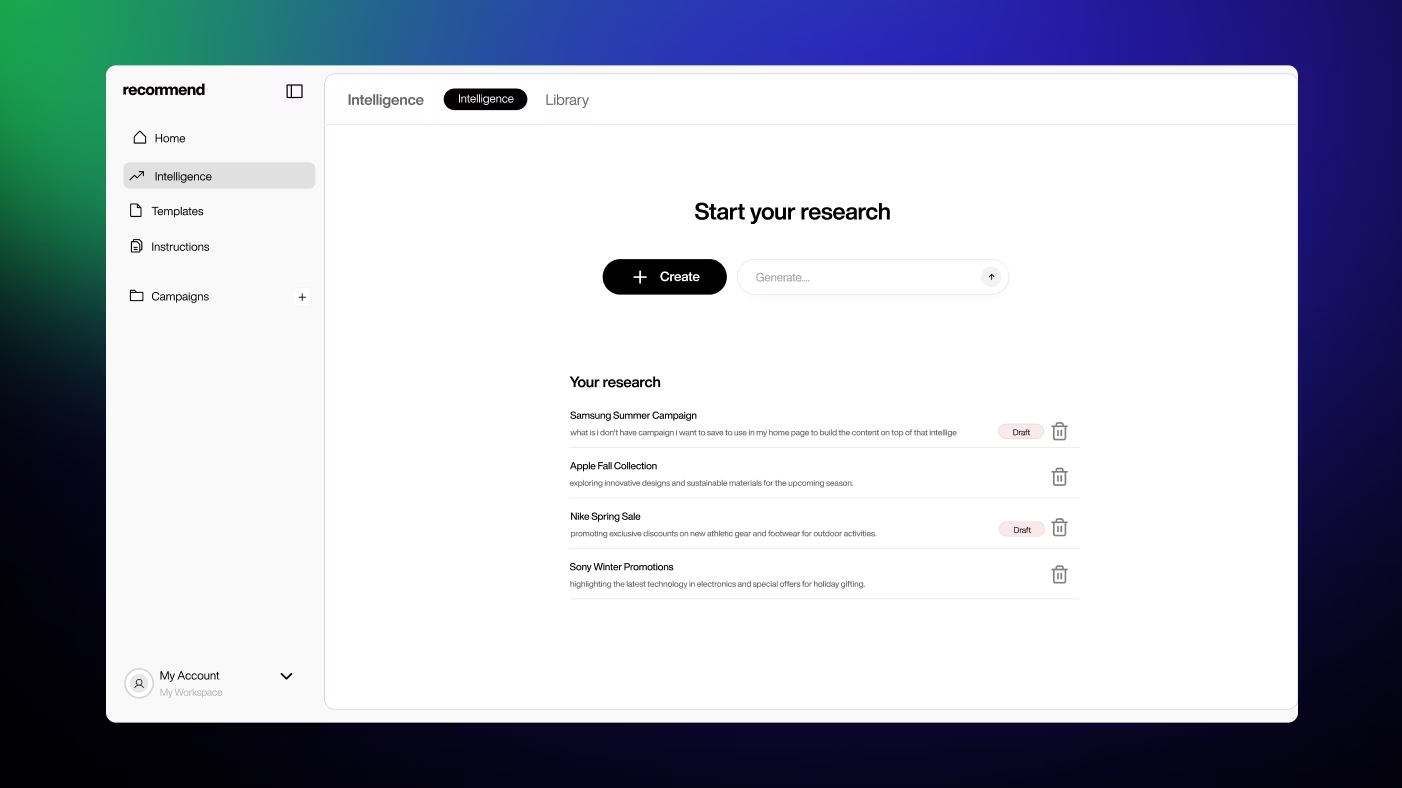
Recommend Studio flips the traditional content creation process on its head. Instead of starting with brainstorming sessions or keyword lists, it monitors what's actually happening in your industry right now – tracking conversations, cultural shifts, and emerging topics before they hit mainstream awareness. This gives marketers a head start on creating content that feels perfectly timed rather than playing catch-up.
The platform connects discovery with execution in one workflow. After identifying rising trends and audience interests, it offers production-ready templates for every content type your marketing team needs, from quick social updates to full campaign materials.
For busy marketing teams, this eliminates the guesswork around "what should we create next?" and replaces it with data-backed content opportunities that are already showing momentum.
Jasper
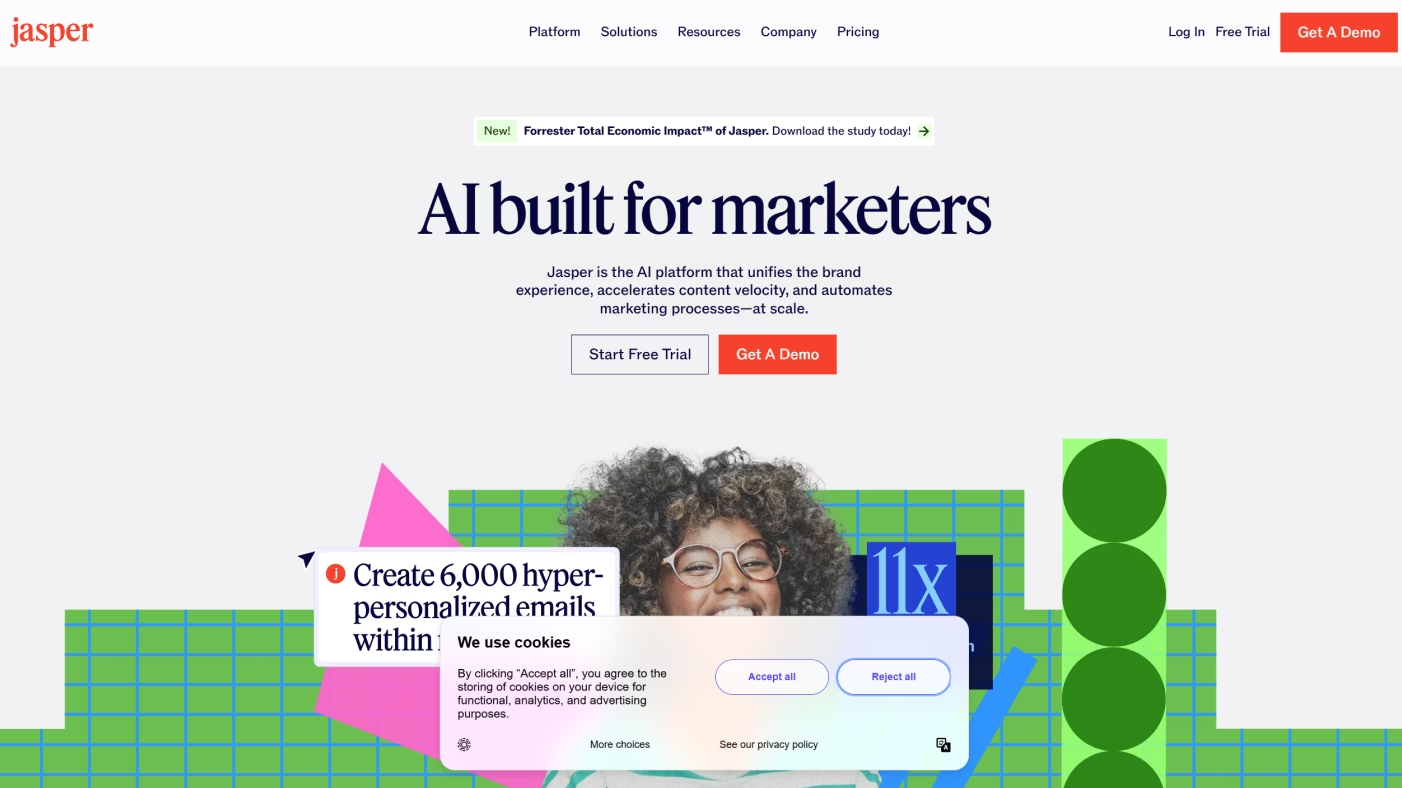
Jasper is built with marketing teams in mind. It helps keep your brand voice consistent across blogs, ads, and landing pages, while giving you templates that make content creation faster.
Where Jasper stands out is in structure. Unlike more general AI tools, it comes with workflows and approval features, so teams can collaborate without things going off-brand.
pros: keeps brand voice on track; helpful templates; team-friendly workflows
cons: feels rigid outside its templates; if not customized, tone can slip into a "cookie-cutter"
Copy.ai
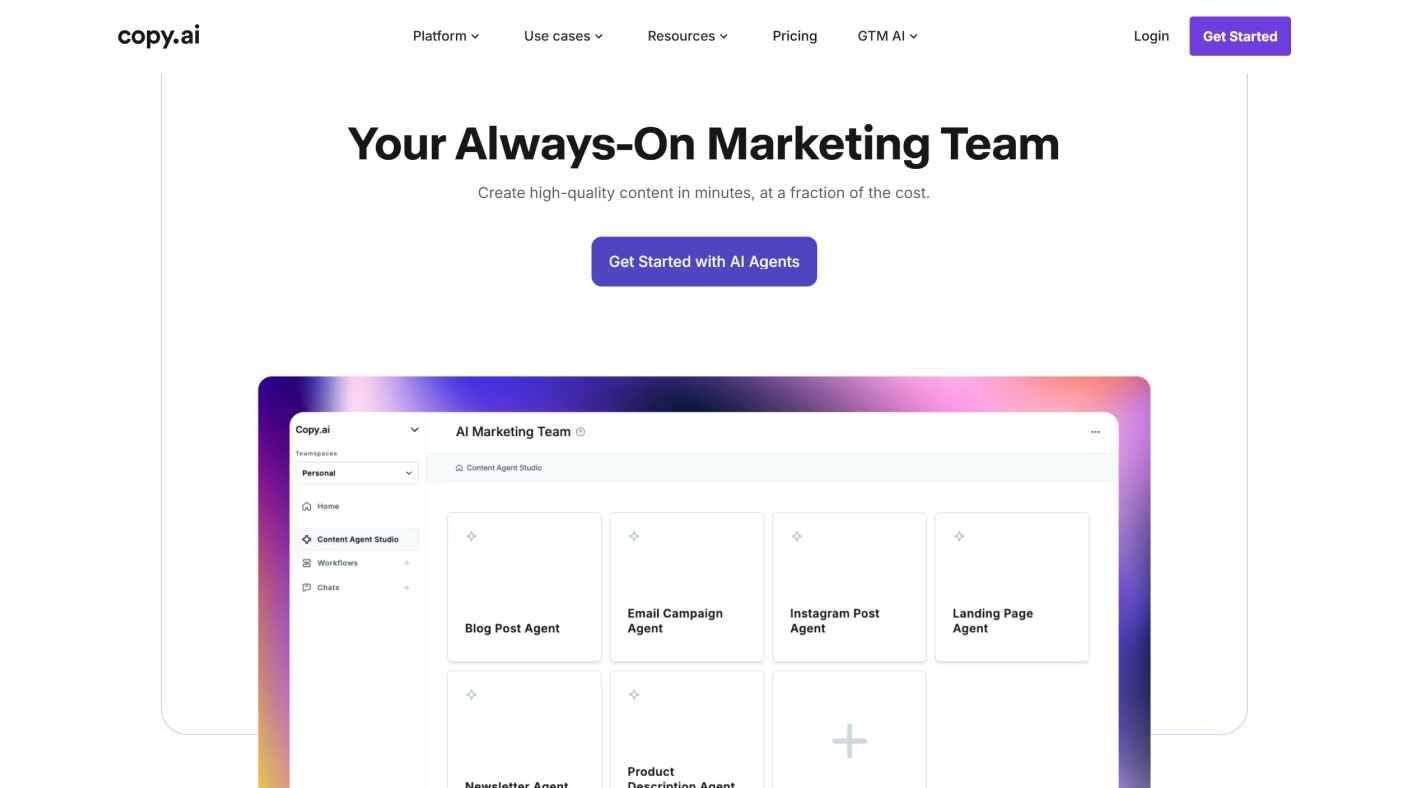
Copy.ai is all about speed. It's great for taking one piece of content - a blog, for example - and turning it into an email, a LinkedIn post, and a couple of ad variations in minutes.
Compared with Jasper, it's lighter and more flexible, though less structured. You don't get the same workflow features, but you do get quick, ready-to-use ideas that marketers can run with.
pros: fast at repurposing content; easy presets; great for ads and social
cons: lacks deeper workflow tools; if your input is vague, quality can dip
Claude (Anthropic)
When you need thoughtful, longer-form writing, Claude is a strong option. It's especially good at keeping a natural, consistent tone and handling more complex projects, like whitepapers or scripts.
Unlike Jasper or Copy.ai, Claude isn't built specifically for marketing. But that might just be its strength - you get writing that feels less templated and more human.
pros: clear, natural writing style; handles long context; great for nuanced projects
cons: no built-in marketing templates; needs more setup for campaign work
ChatGPT
ChatGPT is the all-rounder. It's quick for brainstorming ideas, drafting outlines, and creating multiple angles on the same topic. It's also handy for light research and creative problem-solving.
Compared with Claude, it's more playful and great for rapid ideation. Compared with Jasper, it's more flexible but requires extra effort to lock in your brand's tone.
pros: extremely versatile; great for brainstorming; widely supported
cons: can sound generic without strong prompts; brand consistency takes work
SEO & Digital Marketing Tools
SEO and digital marketing tools help you understand how people find your brand online, and how to get in front of them more effectively. They dig into site performance, keywords, and competitor strategies. With those insights, you can rank higher and spend your budget more wisely.
Screaming Frog
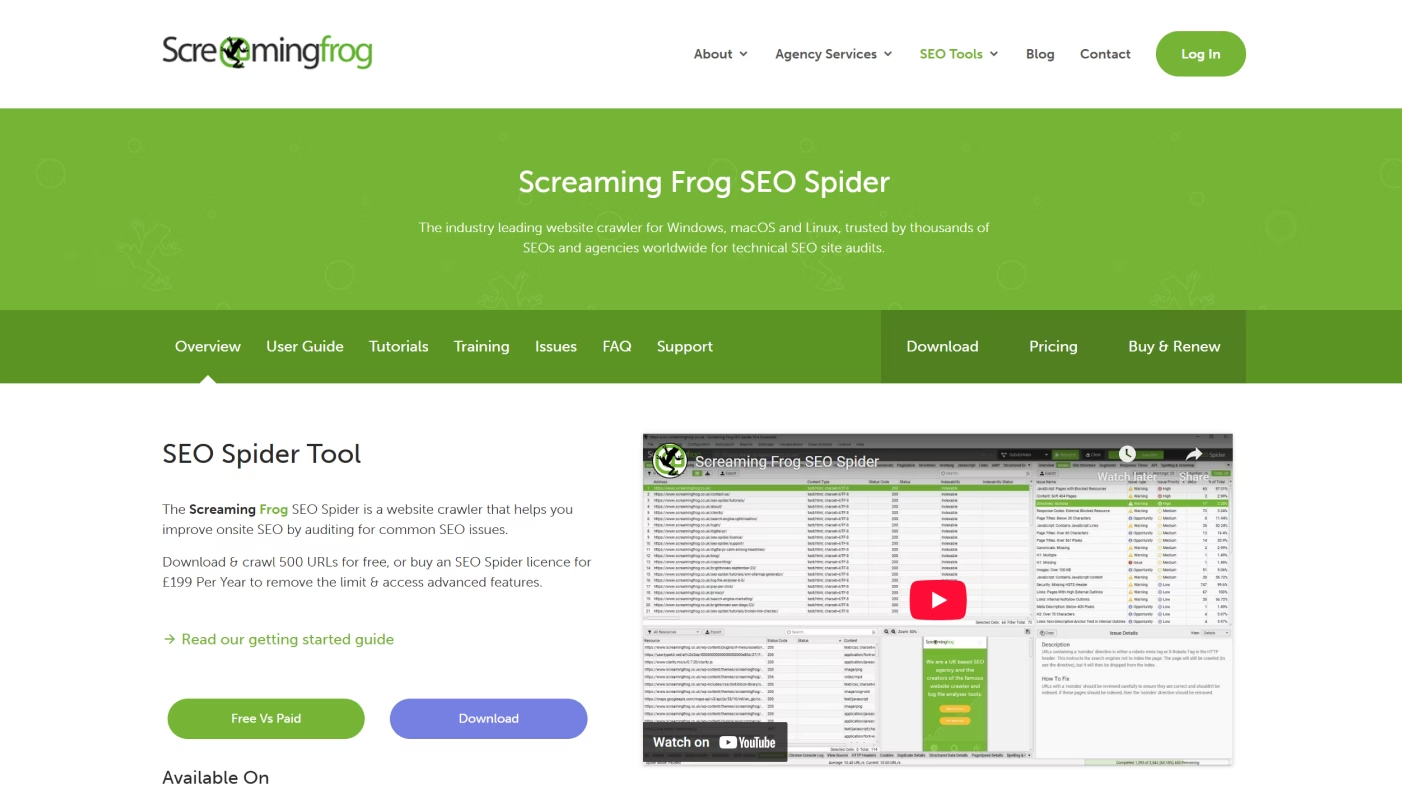
Screaming Frog is like having a magnifying glass on your website. It crawls every page and shows you what's working – and what's broken – so you can fix issues before they hurt rankings.
Its strength is technical SEO. While Semrush and Ahrefs focus heavily on strategy and keyword insights, Screaming Frog zeroes in on site health, which makes it a go-to for specialists who want the nitty-gritty details.
pros: deep technical audits; great for spotting site issues; trusted by SEO pros
cons: steeper learning curve; less helpful for keyword or competitor research
Semrush
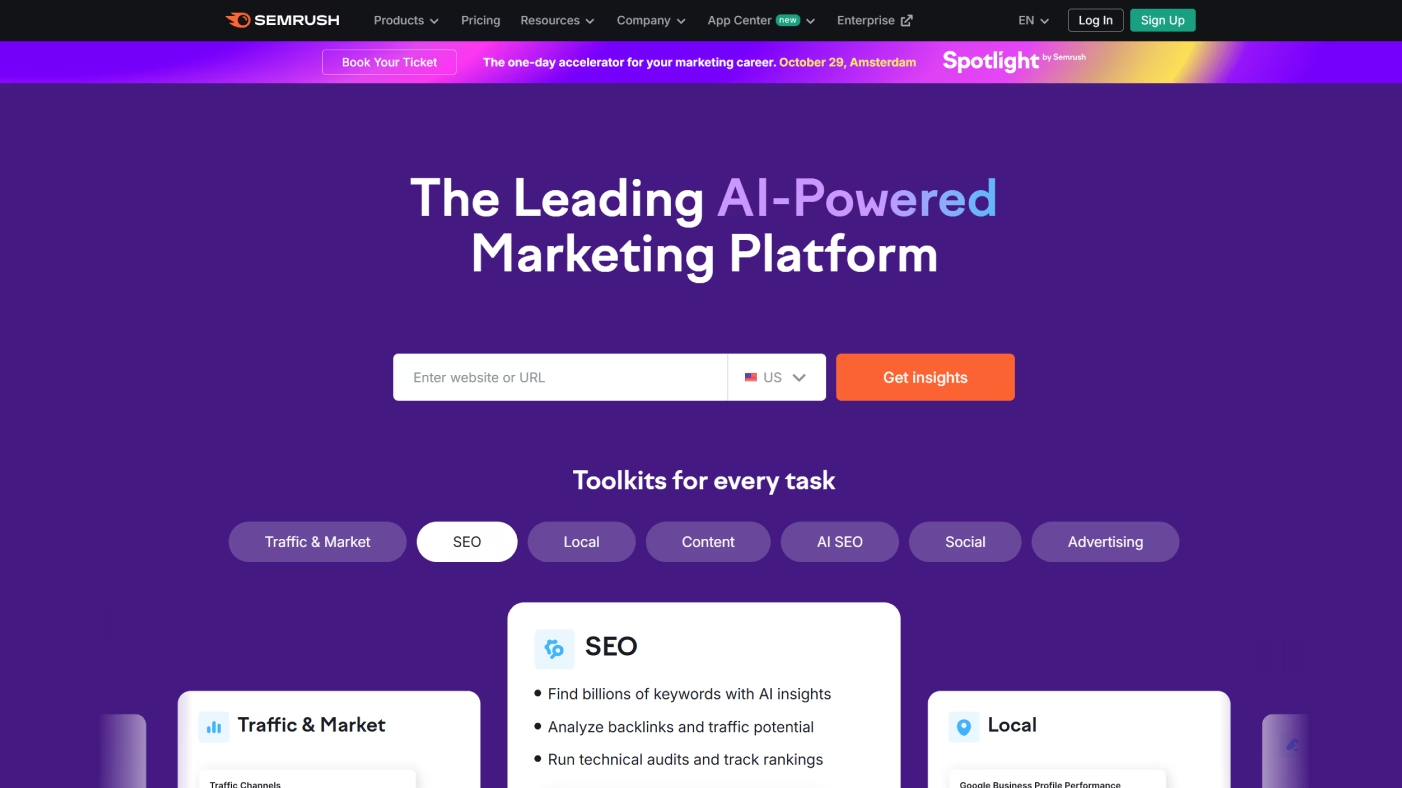
Semrush is the all-in-one marketing dashboard. It covers everything from keyword research and content ideas to competitor tracking and PPC insights. This makes it especially useful for teams that want one tool for multiple channels.
Compared with Ahrefs, Semrush offers broader features beyond SEO – like content marketing and social scheduling – so it feels more like a full suite than just an SEO tool.
pros: wide feature set; strong competitor insights; helpful for both SEO and paid campaigns
cons: can feel overwhelming; can be pricey for smaller teams
Ahrefs
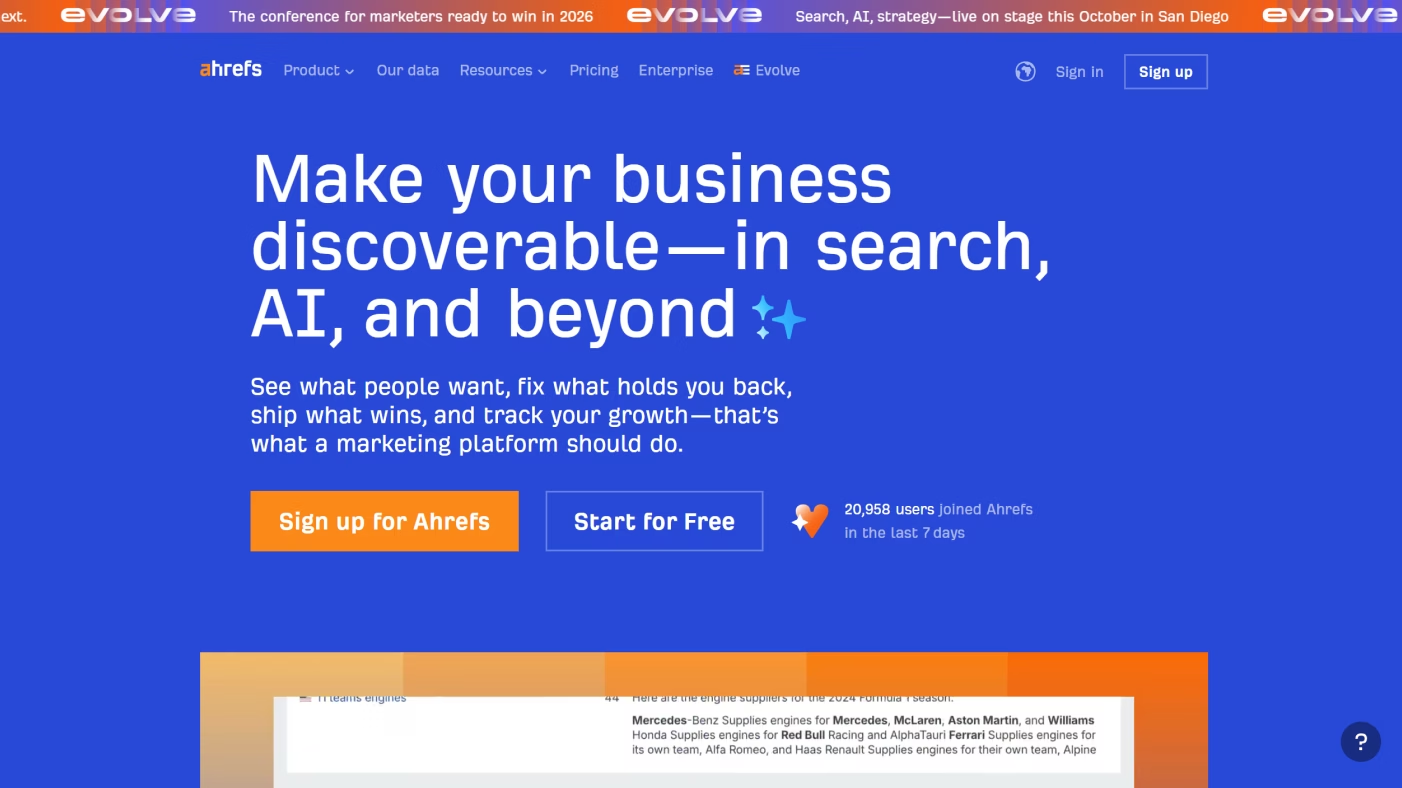
Ahrefs is best known for backlinks, and it does this better than anyone. Its link index is one of the largest, giving you a clear view of who's linking to you (and your competitors).
Where Semrush spreads wide, Ahrefs goes deep. It's especially strong for SEO specialists who want detailed data on links, keywords, and content gaps without the extra marketing features.
pros: excellent backlink analysis; solid keyword tools; intuitive interface
cons: less of an "all-in-one" suite; limited extras beyond SEO
Social Media Marketing Tools
Social media tools help marketers plan, schedule, and analyze posts across platforms without having to log in and out of multiple accounts all day. They simplify publishing, track engagement, and keep campaigns consistent for small businesses and large teams alike.
Hootsuite
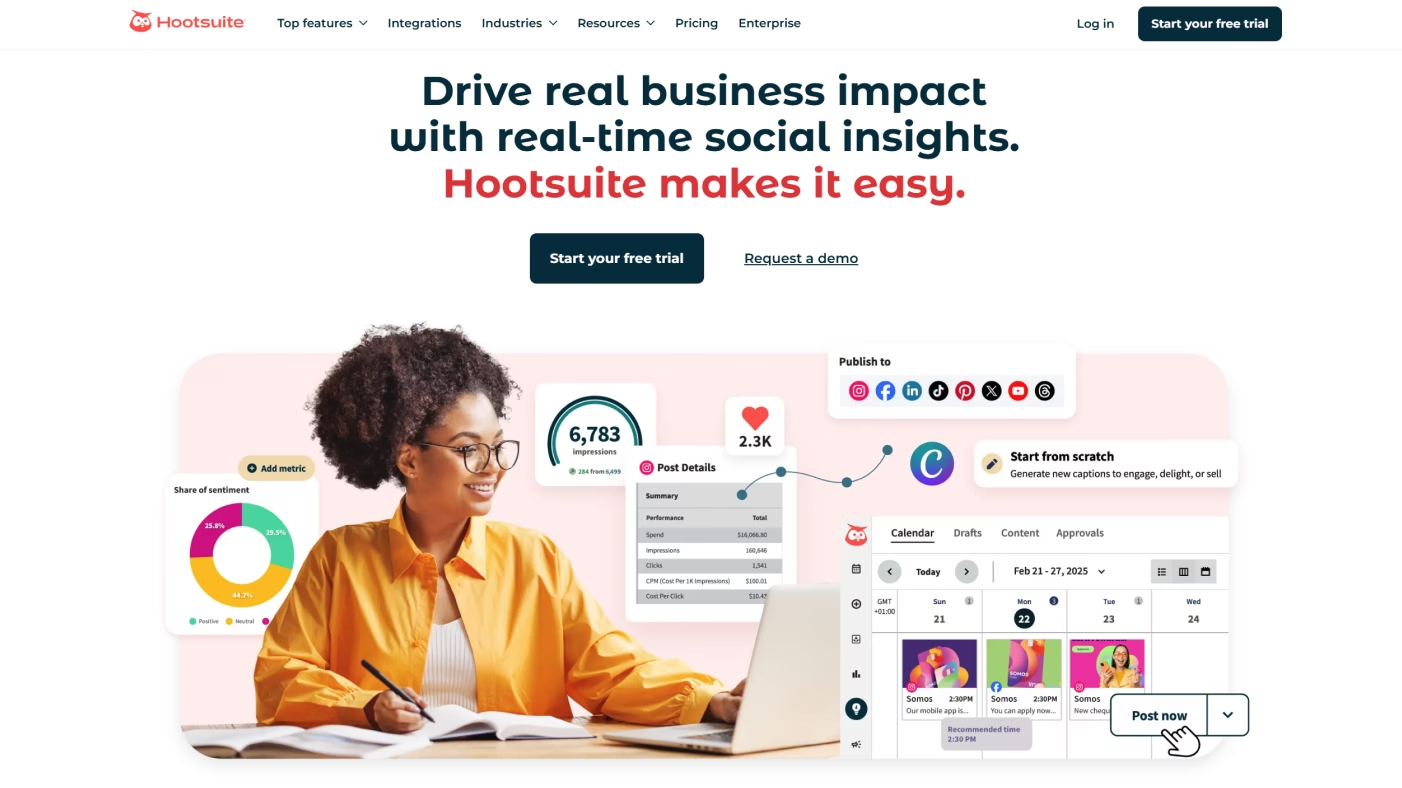
Hootsuite is one of the originals in social media management. It brings all your platforms into one dashboard. That way, it's incredibly easy to schedule posts, monitor mentions, and measure performance.
Where Hootsuite shines is in managing accounts at scale. It's built for teams managing multiple accounts, campaigns, and approvals, which makes it more robust than lighter tools like Buffer.
pros: handles large-scale management; strong analytics; team-friendly features
cons: probably too heavy for solo marketers; pricing climbs as you add features
Buffer
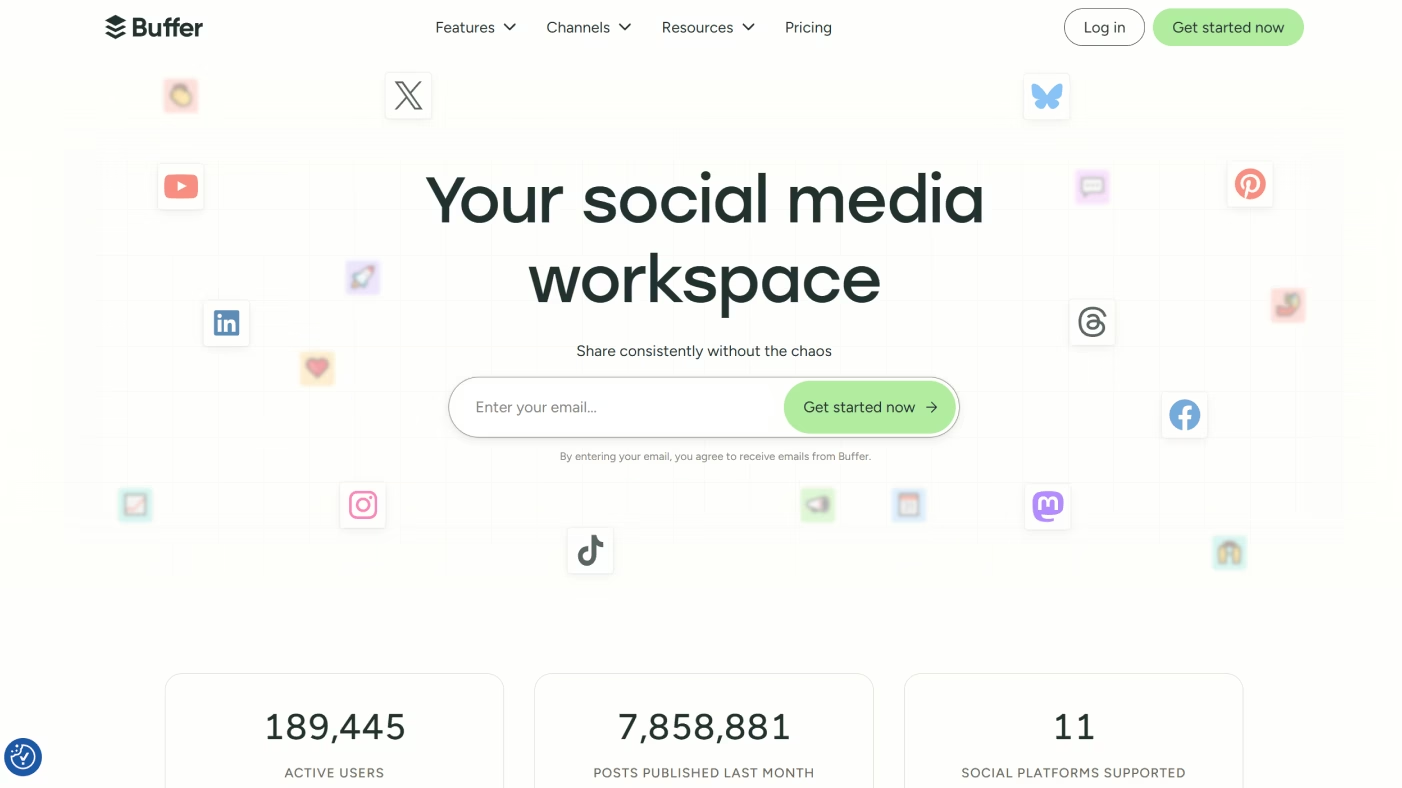
Buffer is the lightweight alternative. It's simple, clean, and great for quickly scheduling posts or checking basic analytics without extra complexity.
Compared with Hootsuite, Buffer feels more user-friendly for individuals or small teams who don't need deep reporting but want something that just works.
pros: easy to use; affordable; solid scheduling features
cons: limited analytics; not ideal for complex campaigns
Canva
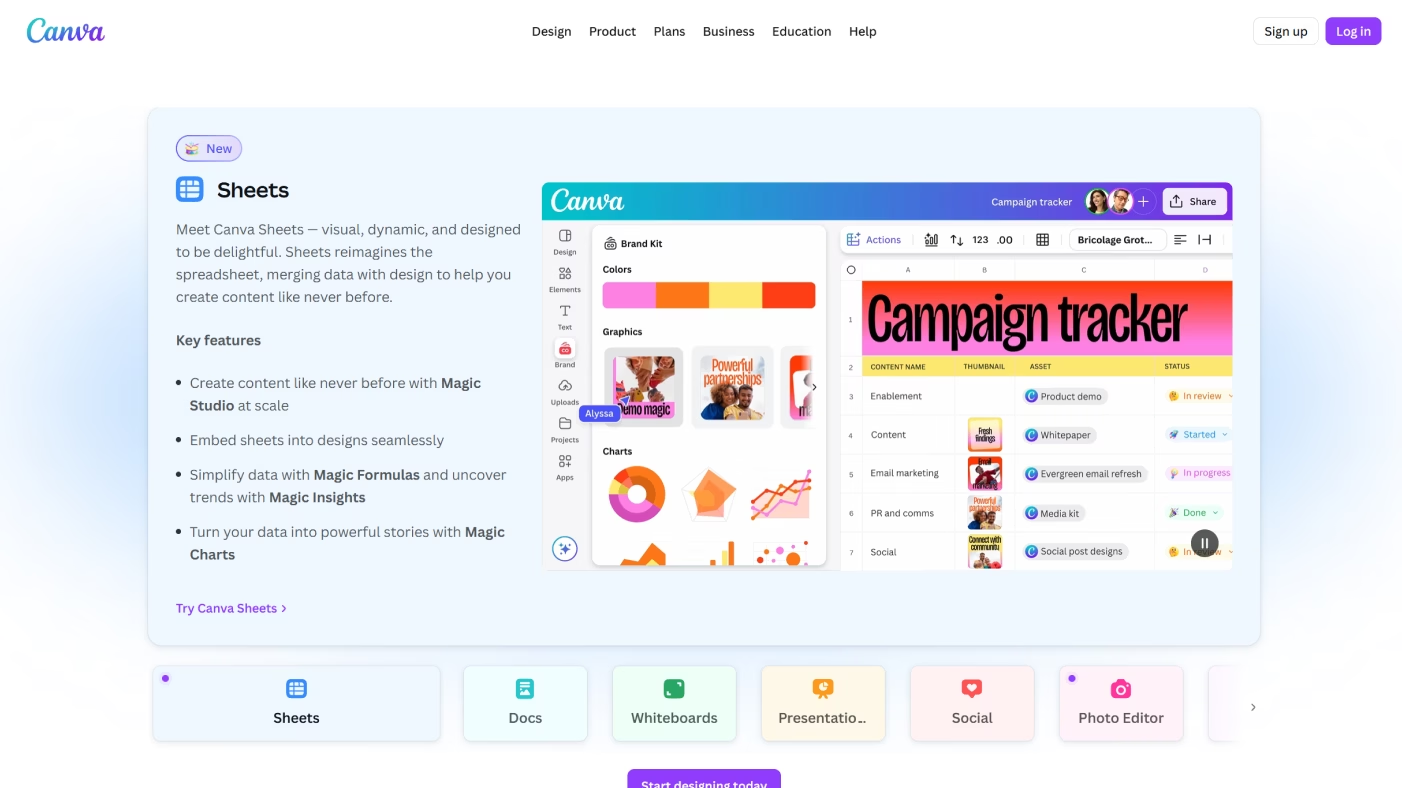
Canva is a content creation tool that makes design accessible to anyone. Marketers use it to create graphics, reels, and social posts, even if they don't have a design background.
pros: intuitive drag-and-drop editor; endless templates; great for non-designers
cons: advanced design options are limited; can feel template-driven if overused
Email Marketing Tools
Email marketing tools help brands connect directly with their audience through personalized, timely messages. They manage everything from segmentation and automation to design and analytics, making it easier to send campaigns that people actually open and click.
HubSpot
HubSpot's email tool sits inside its larger CRM platform. That means that every message can be tied to customer data, which makes it a powerful tool for creating highly targeted campaigns based on where someone is in the buyer journey.
HubSpot is great when you need full-funnel marketing that includes email, sales, and automation, all working together.
pros: deep CRM integration; advanced personalization; strong automation
cons: expensive as you scale; more complex to set up
MailerLite
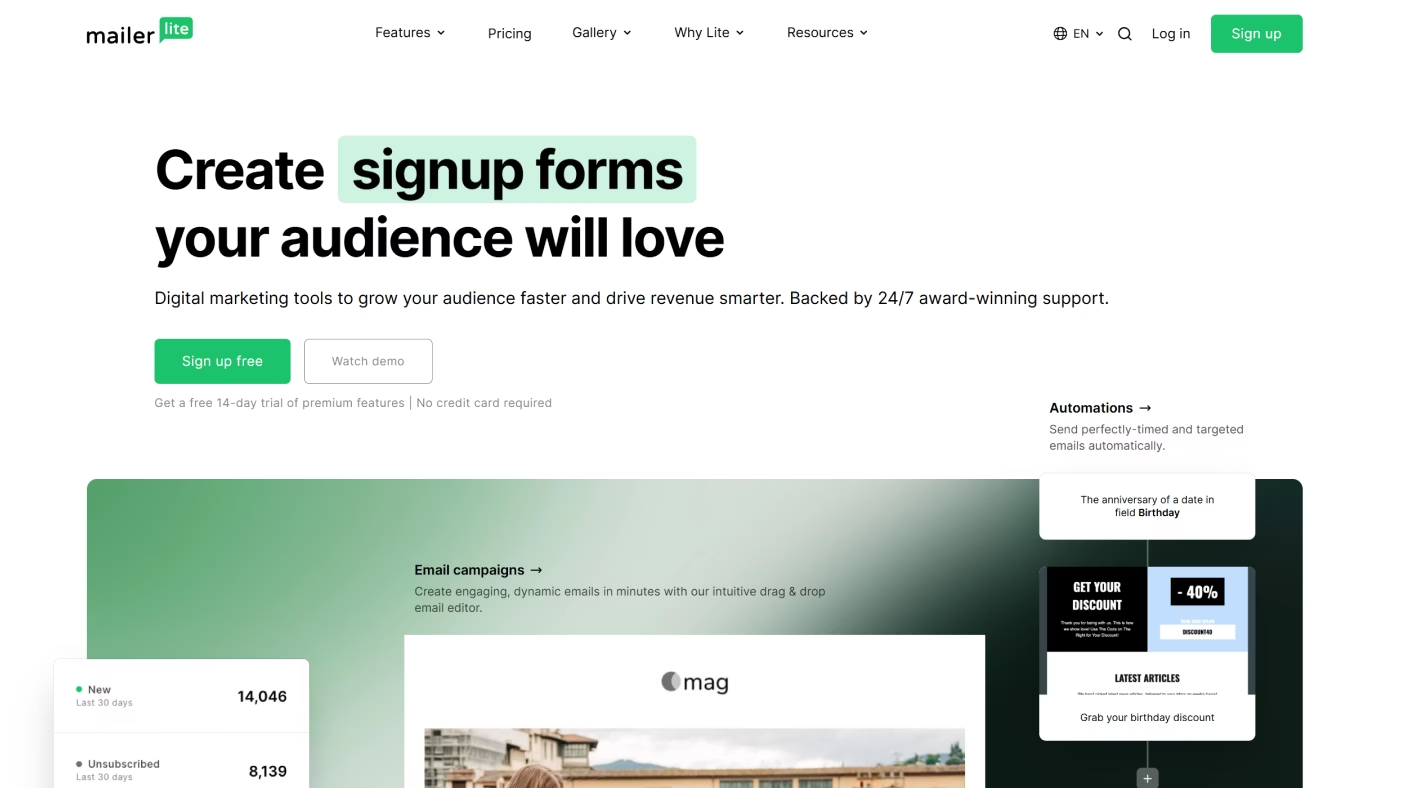
As its name suggests, MailerLite is designed to keep things simple. It keeps to the essentials – drag-and-drop editing, automation, and segmentation – so it's much easier to pick up than heavier platforms.
Also, compared to heavier platforms, MailerLite is much affordable and approachable. It makes it a great pick for small teams or solo marketers.
pros: easy to use; budget-friendly; solid feature set for the price
cons: limited advanced features; not built for enterprise needs
Brevo
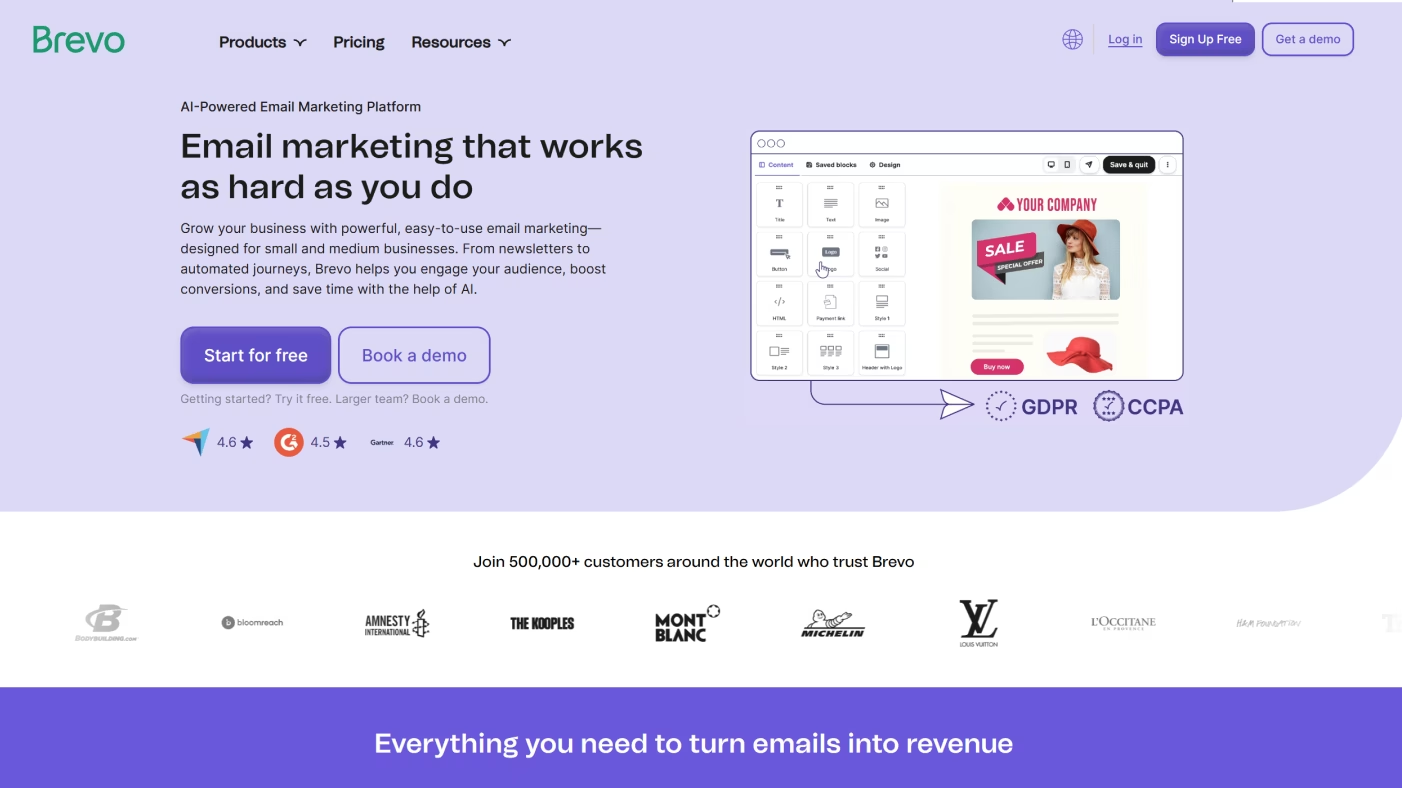
Formerly known as Sendinblue, Brevo combines email with SMS and WhatsApp campaigns, giving it an edge for brands that want multi-channel communication in one place.
Unlike HubSpot's higher costs or MailerLite's simplicity, Brevo offers affordable plans with extras like transactional email and SMS that smaller businesses can actually use.
pros: multi-channel campaigns; transactional email; good pricing tiers
cons: interface can feel clunky; reporting isn't as deep as competitors
GetResponse
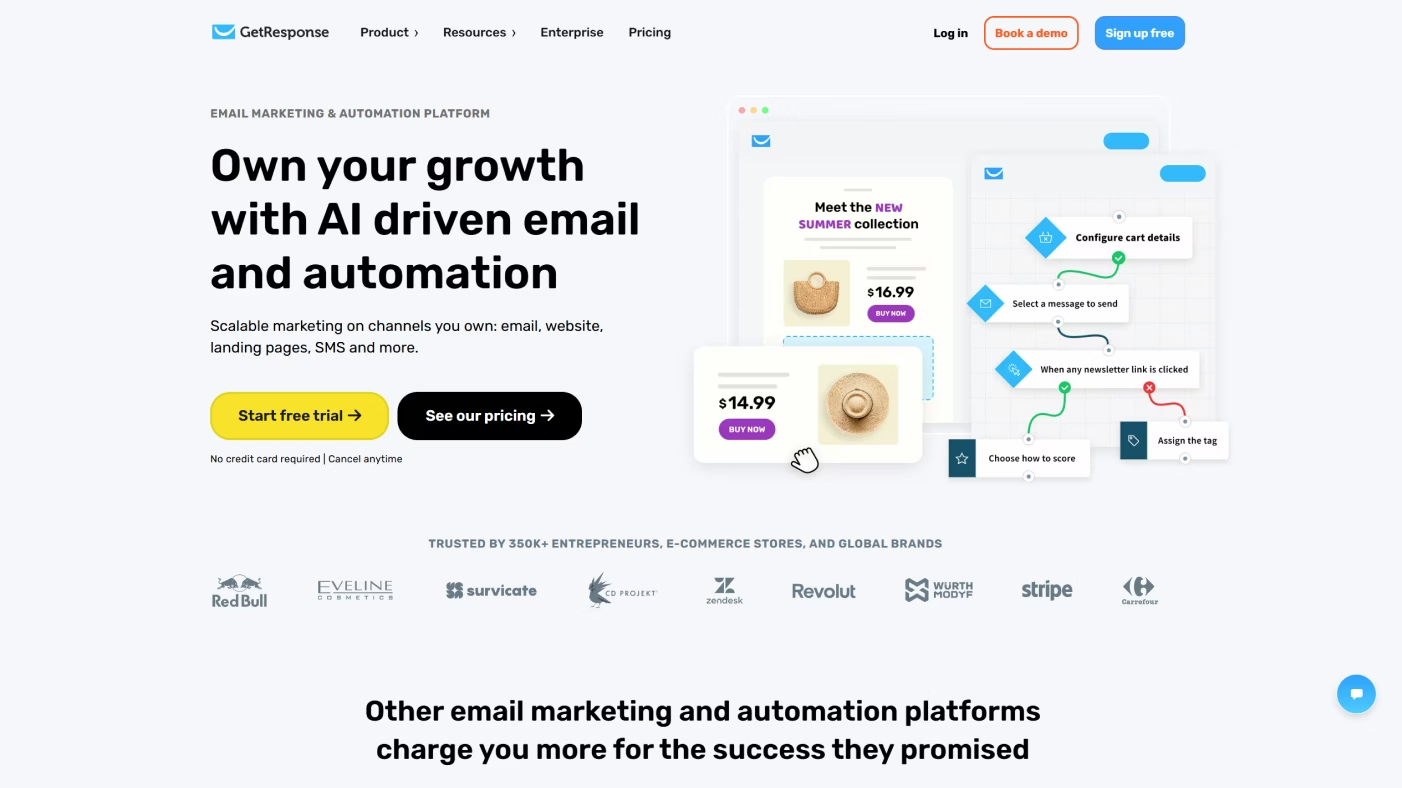
GetResponse focuses on automation and funnels. With features like webinar hosting and conversion funnels, it goes beyond basic email blasts, and that's exactly what makes it different from most traditional email platforms.
pros: strong automation; funnel and webinar tools; scalable
cons: can be overkill for simple campaigns; mid-tier pricing
Video Marketing Tools
Video is one of the best ways to capture attention online, but making it can feel intimidating. AI video tools are changing that. They take a lot of the heavy lifting out of editing, animation, and publishing, so teams can keep up with the demand for TikToks, Reels, webinars, and everything in between (without having a full production crew).
Powtoon
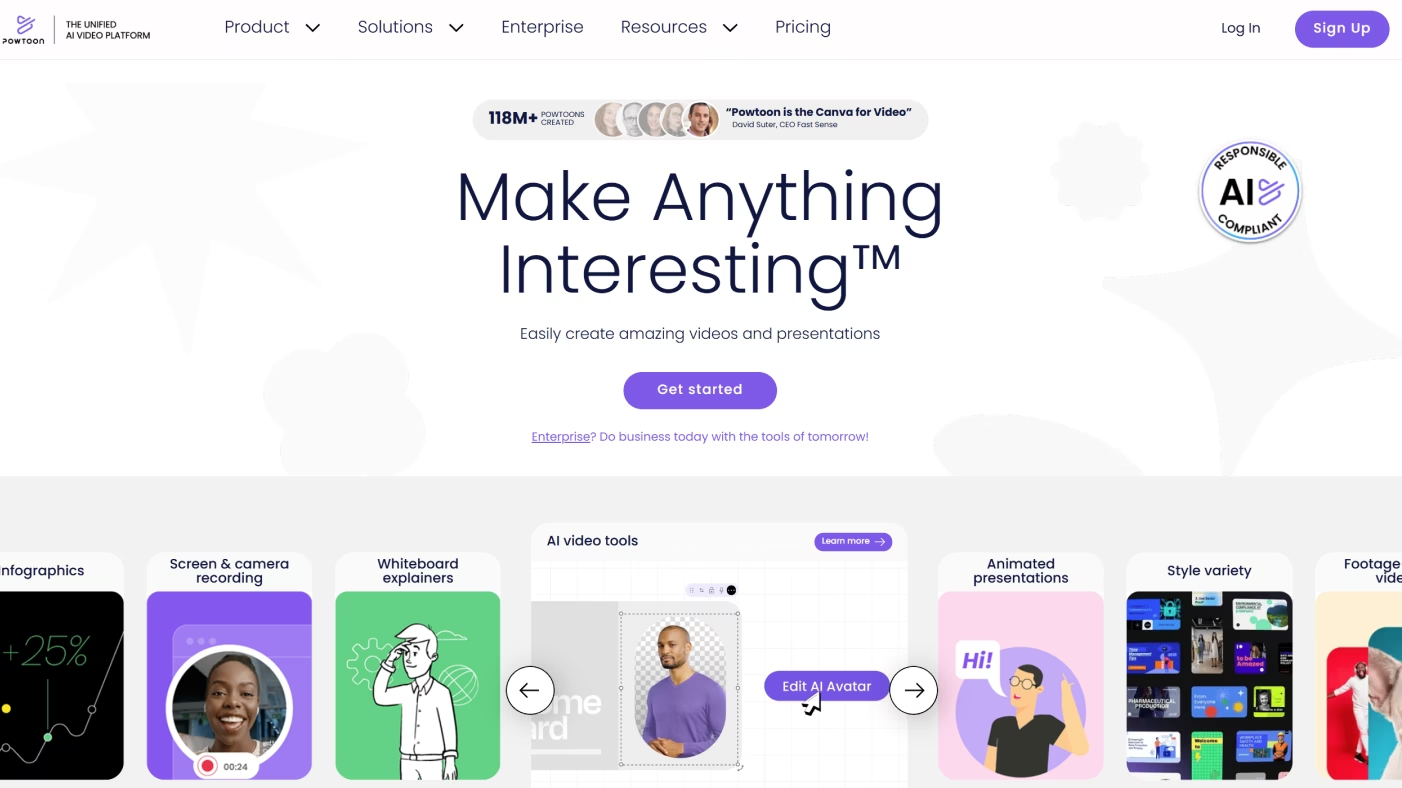
Powtoon is built for quick, animated explainers and presentations. If you want polished visuals but don't have design or animation skills, it's an easy way to get there.
It works especially well for turning dry information into something engaging: product demos, onboarding videos, internal training… Because it's template-driven, you can go from idea to finished video in a fraction of the time it would take with traditional animation tools.
pros: simple to use; polished templates; great for explainer-style content
cons: limited flexibility; not made for traditional video editing
CapCut
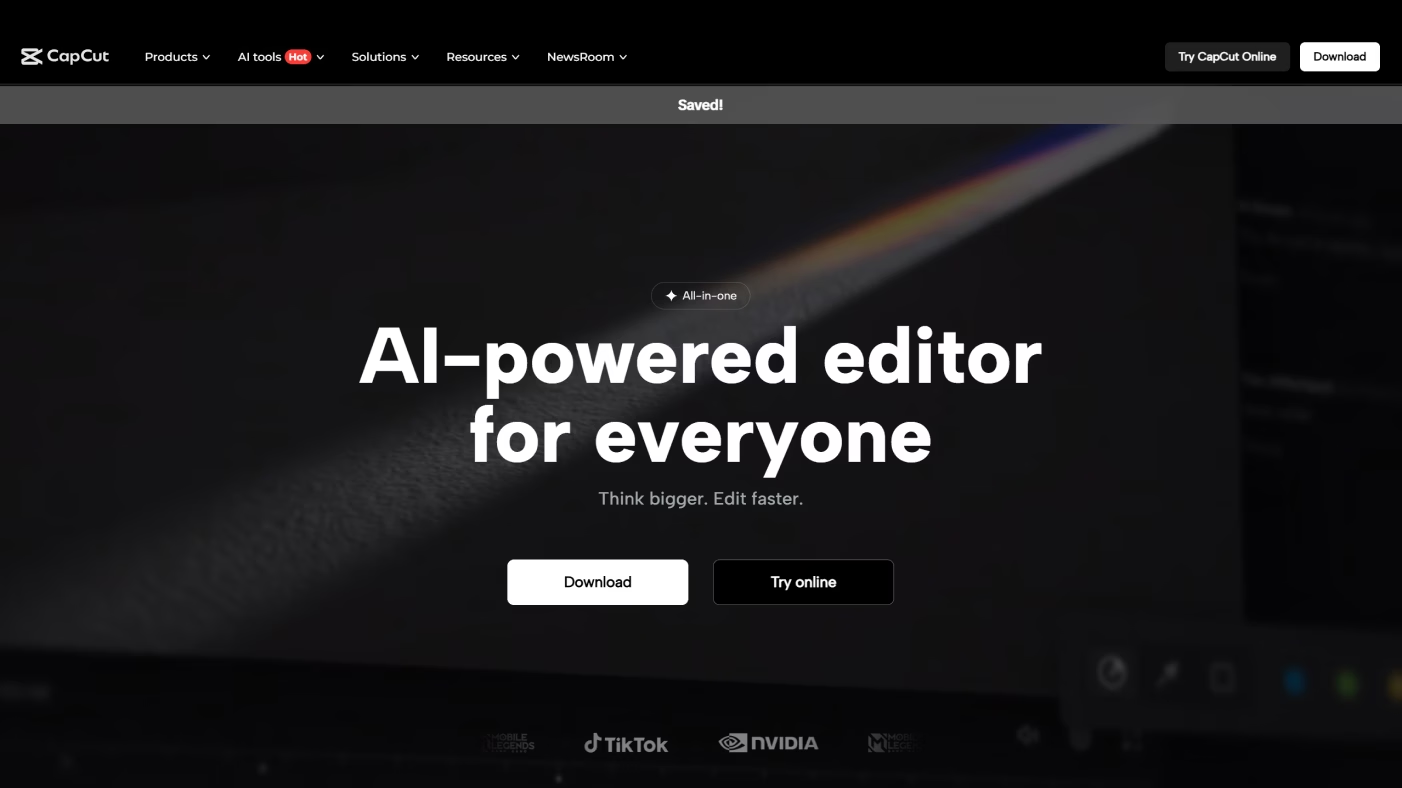
CapCut is all about social content. It's packed with filters, transitions, and AI effects that make TikTok videos, Instagram Reels, and Shorts fast to produce.
Since you can edit and publish in the same app, it's especially handy for marketers who need to keep up with fast-moving trends. The mobile-first design also makes it easy to create on the go, without needing pro-level software or a laptop.
pros: free to use; social-friendly; very beginner-friendly
cons: best for short-form only; lacks advanced editing depth
Adobe Premiere Pro
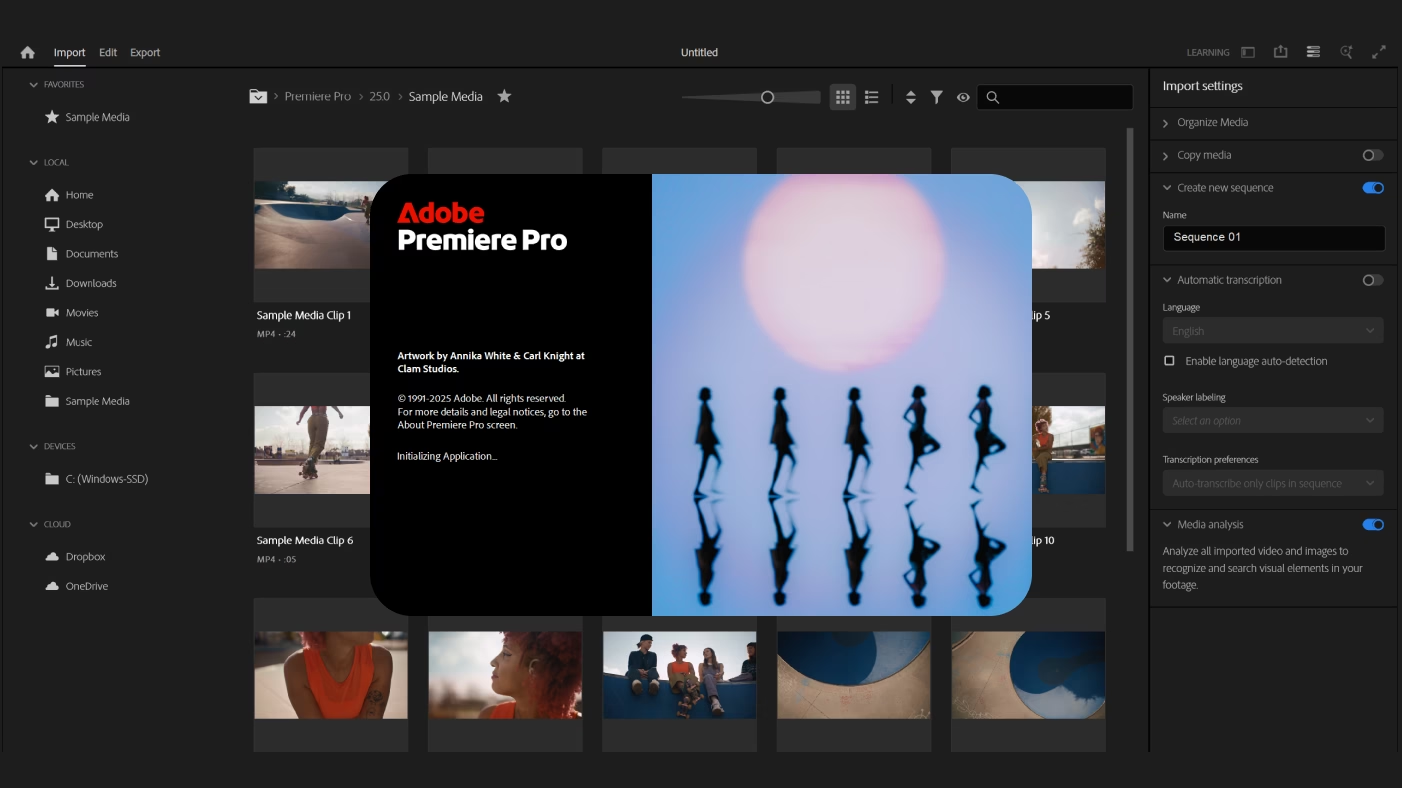
Premiere Pro is the heavyweight in this list. It's what professionals use to produce everything from brand films to YouTube series. You get complete creative control, but it comes with a steeper learning curve.
Compared with CapCut's ease and Powtoon's templates, Premiere Pro is about precision. It's powerful, but only worth it if you have the time or team to really use it.
pros: professional-grade; limitless creative options; integrates with Adobe suite
cons: harder to learn; subscription cost; overkill for quick edits
Vimeo
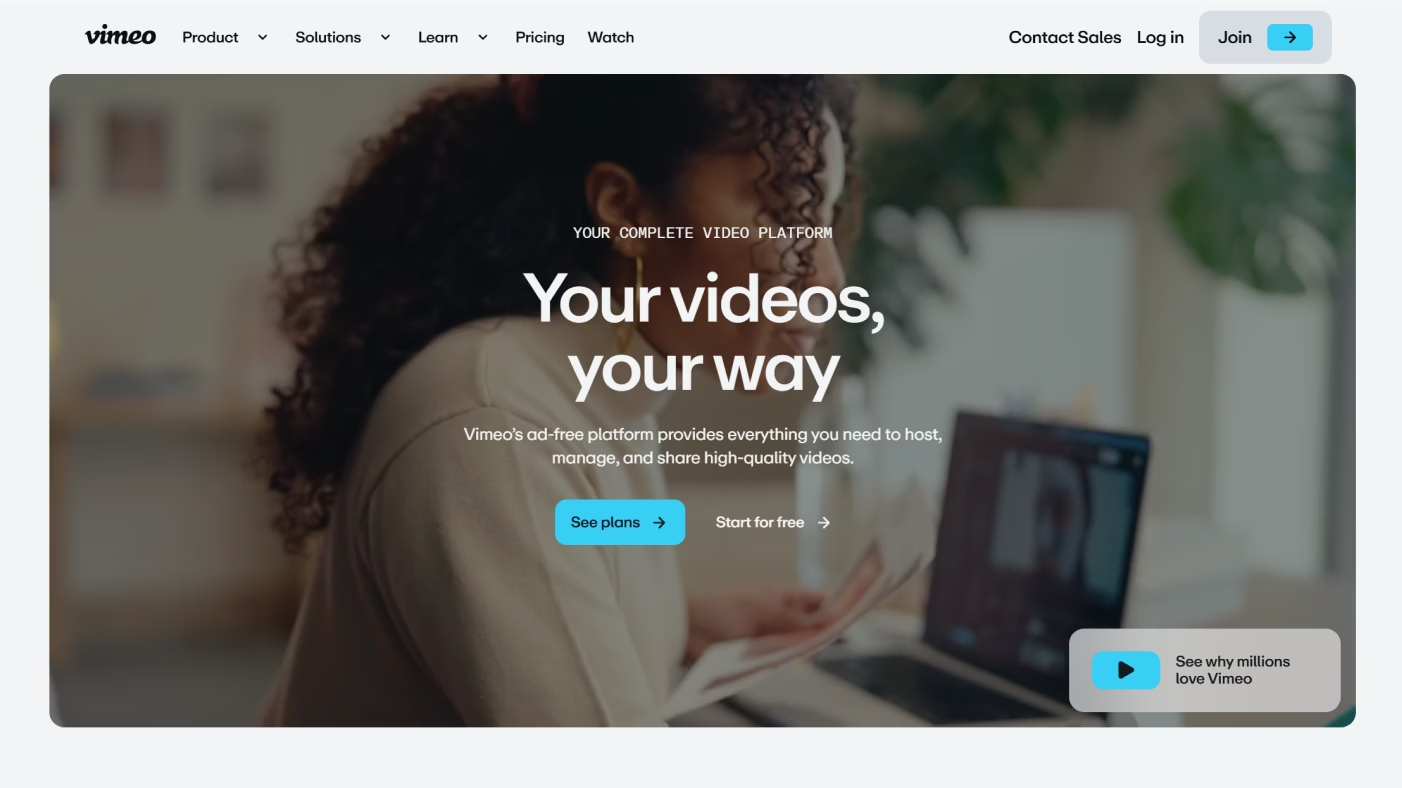
Vimeo isn't really about editing – it's about where your videos live. It gives you a clean, ad-free space to share content, with analytics and privacy controls that YouTube doesn't offer.
It's the tool you reach for after production, when you want your video to look professional and track how people interact with it.
pros: ad-free hosting; strong analytics; polished presentation
cons: limited creation tools; best features are on paid plans
Enterprise & Marketing Automation Platforms
These platforms are built to connect the dots across marketing, sales, and customer management. They go beyond single campaigns, giving teams one system to run emails, ads, CRM, and automation at scale.
For growing businesses and enterprises, they're the backbone of marketing operations.
Keap
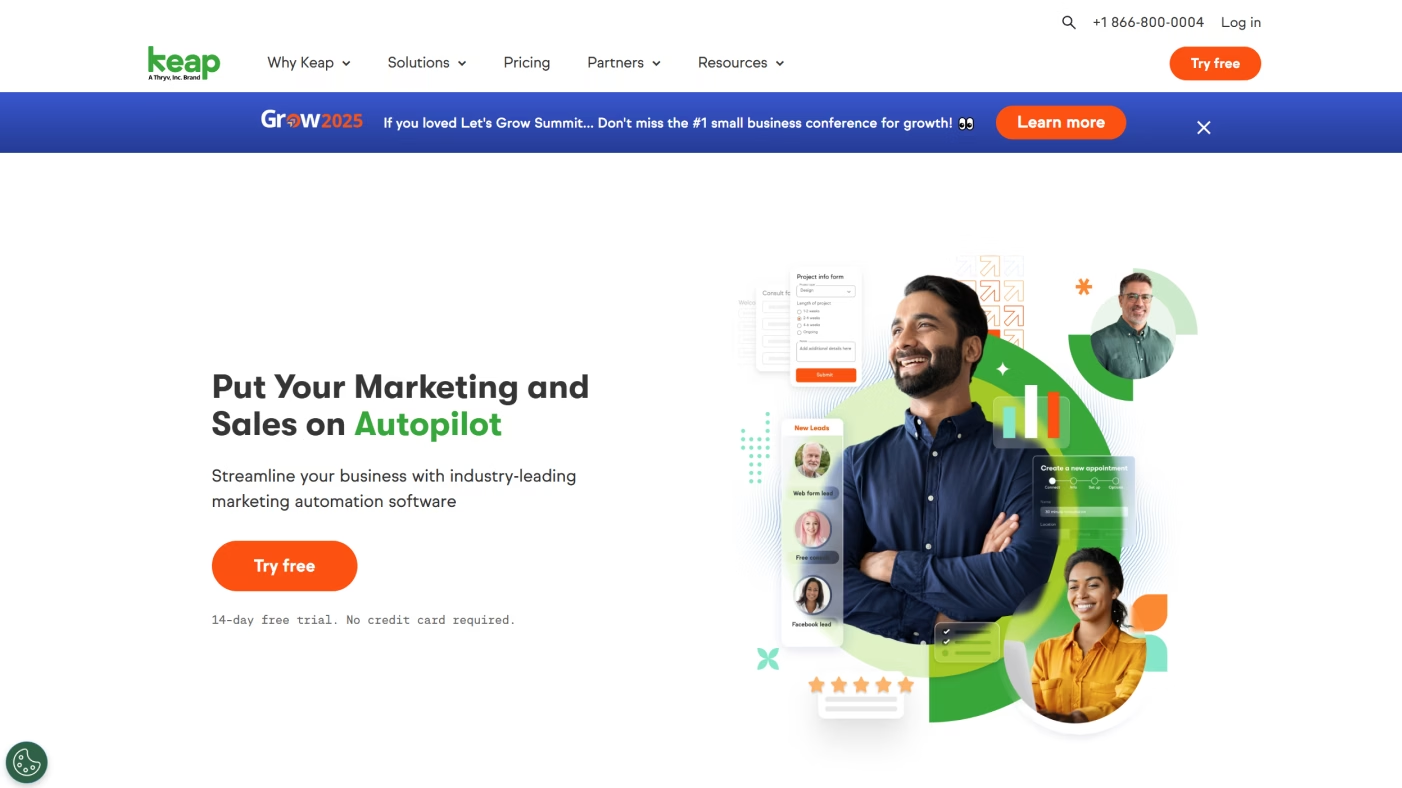
Keap, once called Infusionsoft, is designed for small to mid-size businesses that want automation and CRM without the complexity of a full enterprise system. It handles contact management, email campaigns, and sales pipelines in one neat package.
Besides that, Keap is amazing because it's focused on sales-driven features. Invoicing and payments are built in, which makes it especially handy for service-based businesses that want fewer moving parts.
pros: great for SMBs; combines CRM, email, and sales tools; built-in payments
cons: not built for enterprise scale; fewer integrations than larger platforms
Salesforce
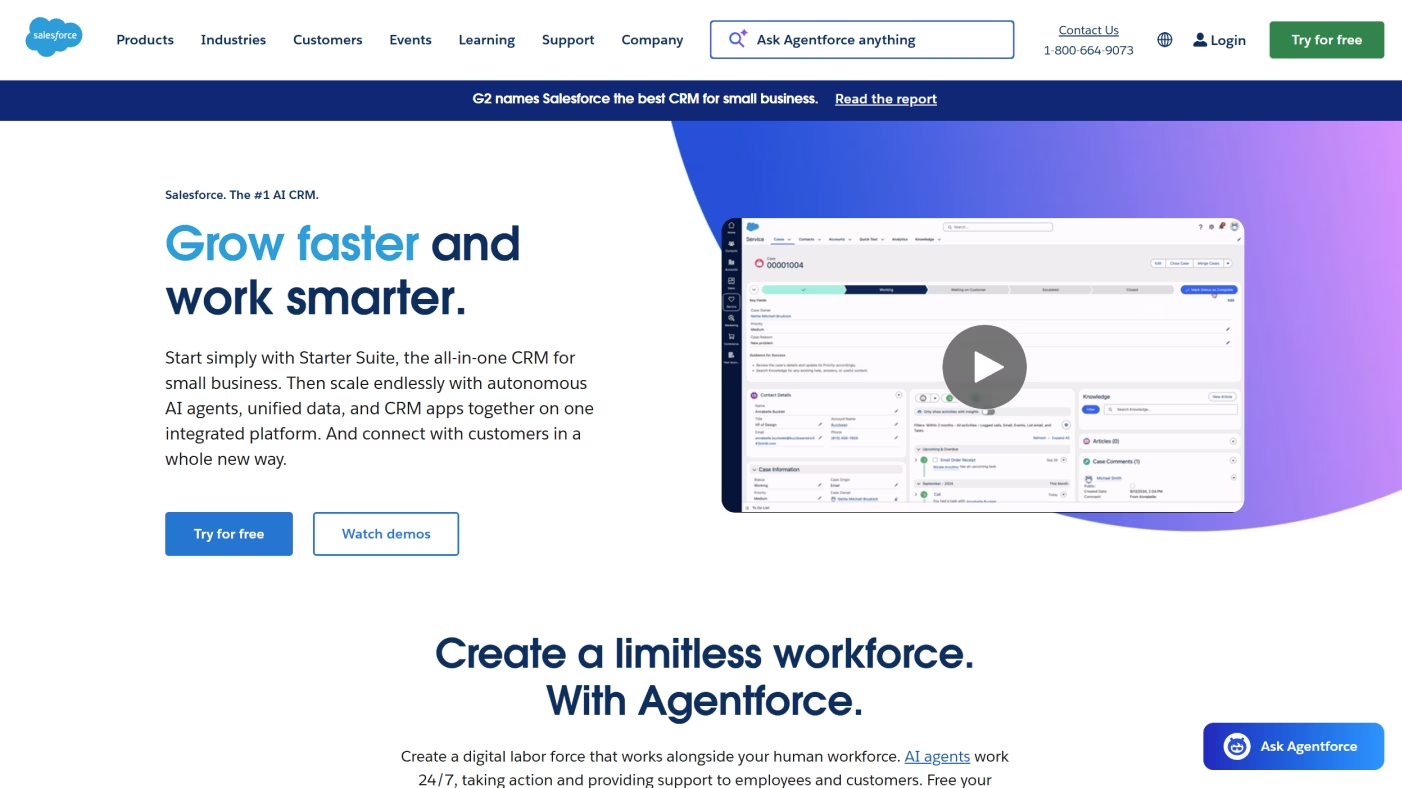
Salesforce is the giant in this space. Its Marketing Cloud connects with sales and service products, giving you advanced personalization, segmentation, and campaign tracking across the entire customer journey.
The trade-off? Power comes with complexity. Salesforce is far more customizable than HubSpot or Keap, but it often takes dedicated time – or even a team – to set it up and manage.
pros: extremely powerful; highly customizable; endless integrations
cons: steep learning curve; expensive; can be overkill for smaller businesses
Marketo
Marketo, now part of Adobe, is a favorite for enterprises that need serious marketing automation. It excels at lead management, scoring, and running multi-channel campaigns, making it a strong fit for B2B companies with long sales cycles.
Compared with Salesforce, Marketo is less about CRM and more about building deep marketing workflows. It's the tool you reach for when automation is your top priority.
pros: excellent automation depth; strong lead management; integrates well with Adobe tools
cons: not beginner-friendly; setup and management require expertise
Free AI Tools for Small Businesses & Creators
Not every team has the budget for enterprise software - and the good news is, you don't always need it. There are plenty of free (or freemium) AI tools that help small businesses and solo creators produce professional-level content without the heavy costs.
Canva
We mentioned Canva earlier in the context of social media, but it's just as valuable here. With drag-and-drop design and thousands of templates, Canva makes it easy to create posts, flyers, and even videos in minutes. For small teams, the real win is speed. You don't need a creative department to look professional, and the free plan covers plenty.
pros: super easy to use; loads of templates; generous free plan
cons: simited advanced design tools; over-reliance on templates can make content feel repetitive
ChatGPT
ChatGPT came up before as a content tool, but it's worth highlighting again for small businesses. It's like having a brainstorming partner on call, drafting emails, rewriting product descriptions, or spinning out blog ideas whenever you need them.
pros: versatile across use cases; great for brainstorming; free version available
cons: needs clear prompts to shine; results usually need a human polish
Grammarly
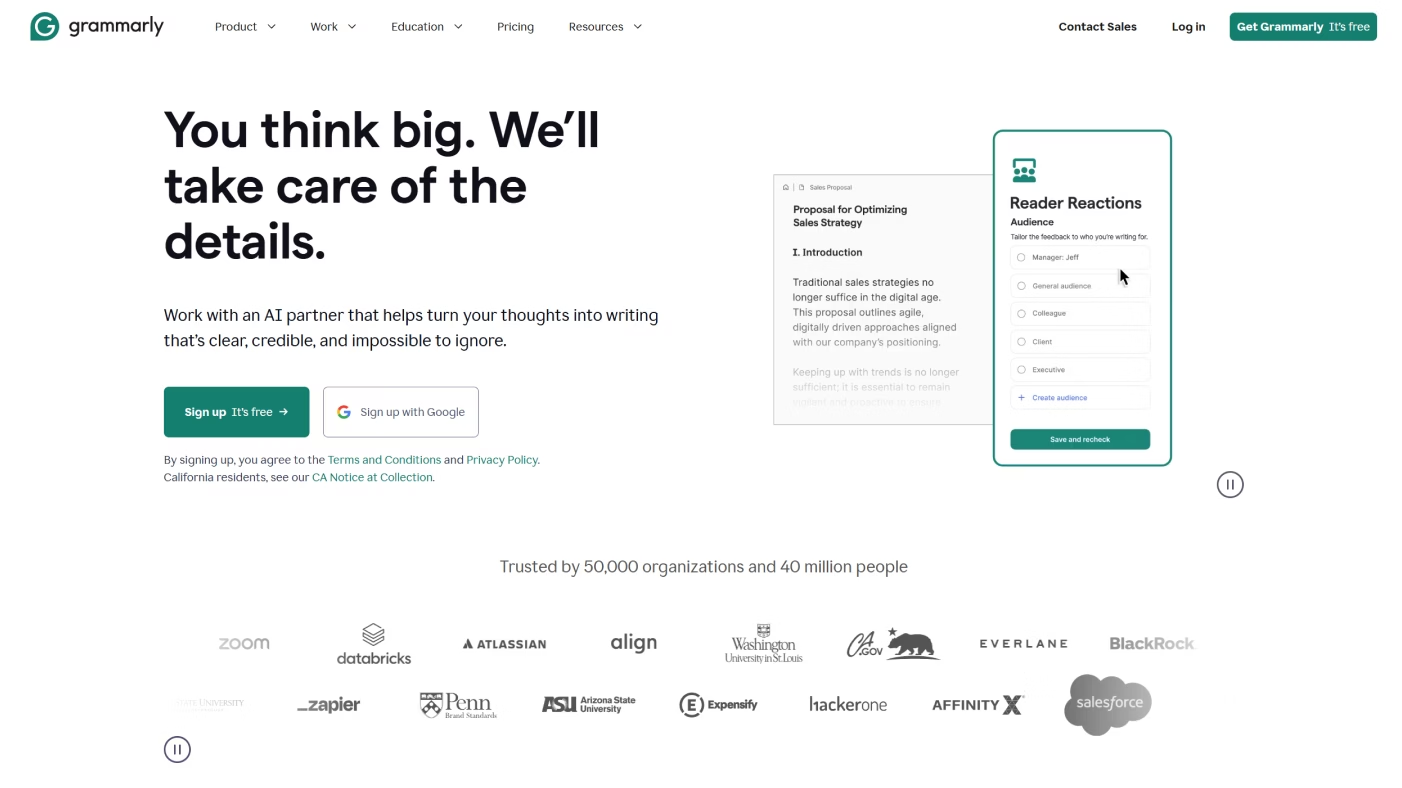
Grammarly hasn't shown up yet in our list, but it's a must-have for anyone writing online. It catches grammar slips, suggests clearer phrasing, and even helps adjust tone so your content sounds professional and on brand.
pros: real-time feedback; easy to plug into browsers and apps; solid free plan
cons: tone/style suggestions can feel off; best features are behind the premium plan
AI for Multilingual Marketing
Expanding into new markets means more than translating words. You need your message to feel authentic in every language. The right AI tools help you translate and localize content so it feels natural, no matter where your audience is.
DeepL
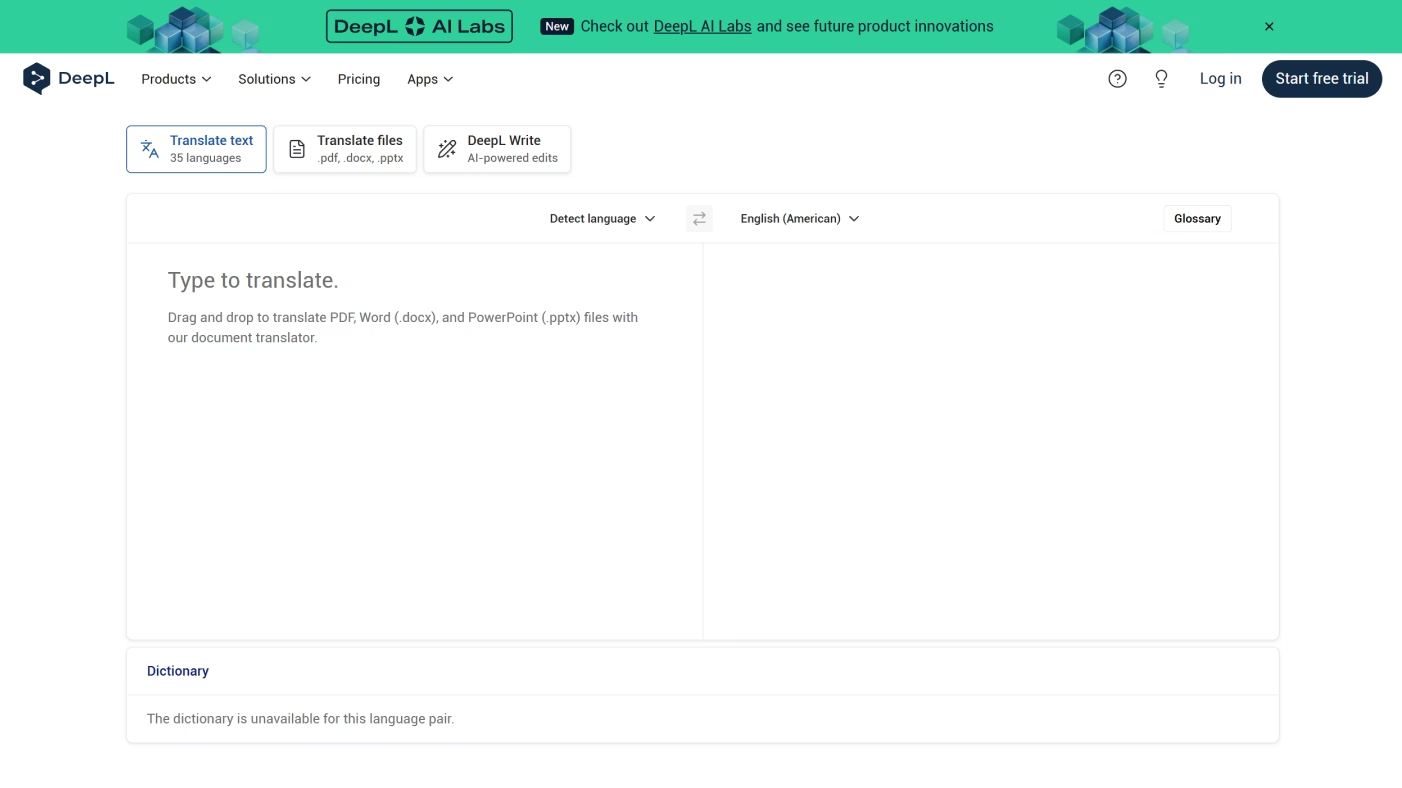
DeepL has built a strong reputation as one of the most accurate AI translation tools out there. Instead of giving you stiff, literal translations, it produces text that reads smoothly, almost as if it were written by a native speaker.
That nuance is what sets DeepL apart. For marketers, it means you can trust your campaigns to carry the right tone and context across languages.
pros: high-quality translations; natural phrasing; easy to use
cons: free plan is limited; supports fewer languages than some alternatives
ChatGPT
We've already talked about ChatGPT as a content tool, but it's just as handy for multilingual work. Beyond straight translation, you can ask it to adapt style, simplify complex wording, or tweak cultural references so your message resonates in different markets.
pros: good for localization; can adjust tone and style
cons: important content still needs a human review
Weglot
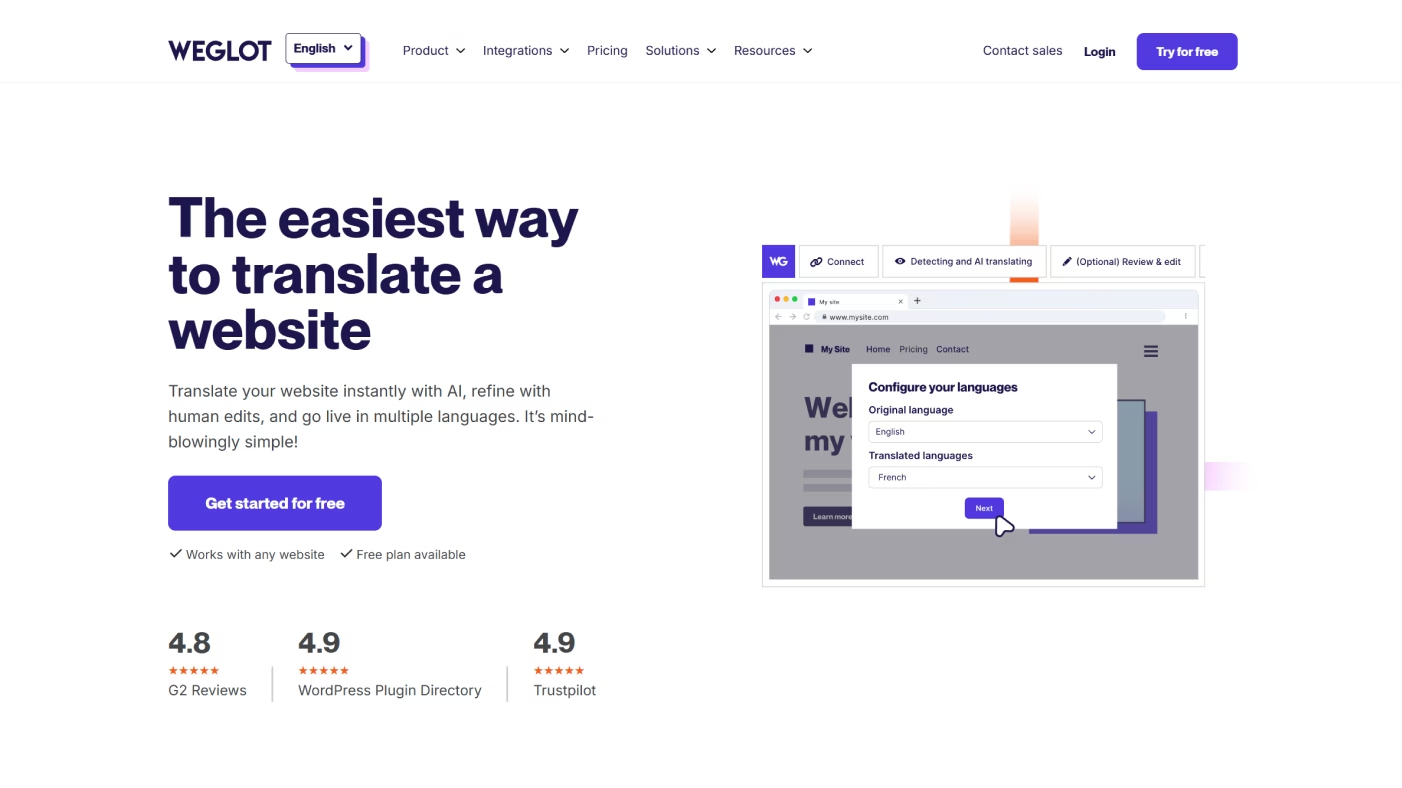
Weglot takes the heavy lifting out of multilingual websites. Instead of translating content piece by piece, it integrates directly with your site, handles the translations, and automatically updates pages as you add new content.
That makes it different from tools like DeepL or ChatGPT, which you use on demand. Weglot works in the background, making your whole site accessible in multiple languages without the manual effort.
pros: simple to set up; automatic updates; scales well for growing sites
cons: costs rise as your site grows; less control over fine-tuned phrasing
Analytics & Social Listening Tools (optional addition for SEO)
Strong campaigns come from both creating and listening. Understanding what your audience is saying is half the job. Analytics and social listening tools help brands track conversations, spot trends, and understand how people really feel about them. With the right insights, you can adjust campaigns before problems grow or opportunities pass you by.
Brandwatch
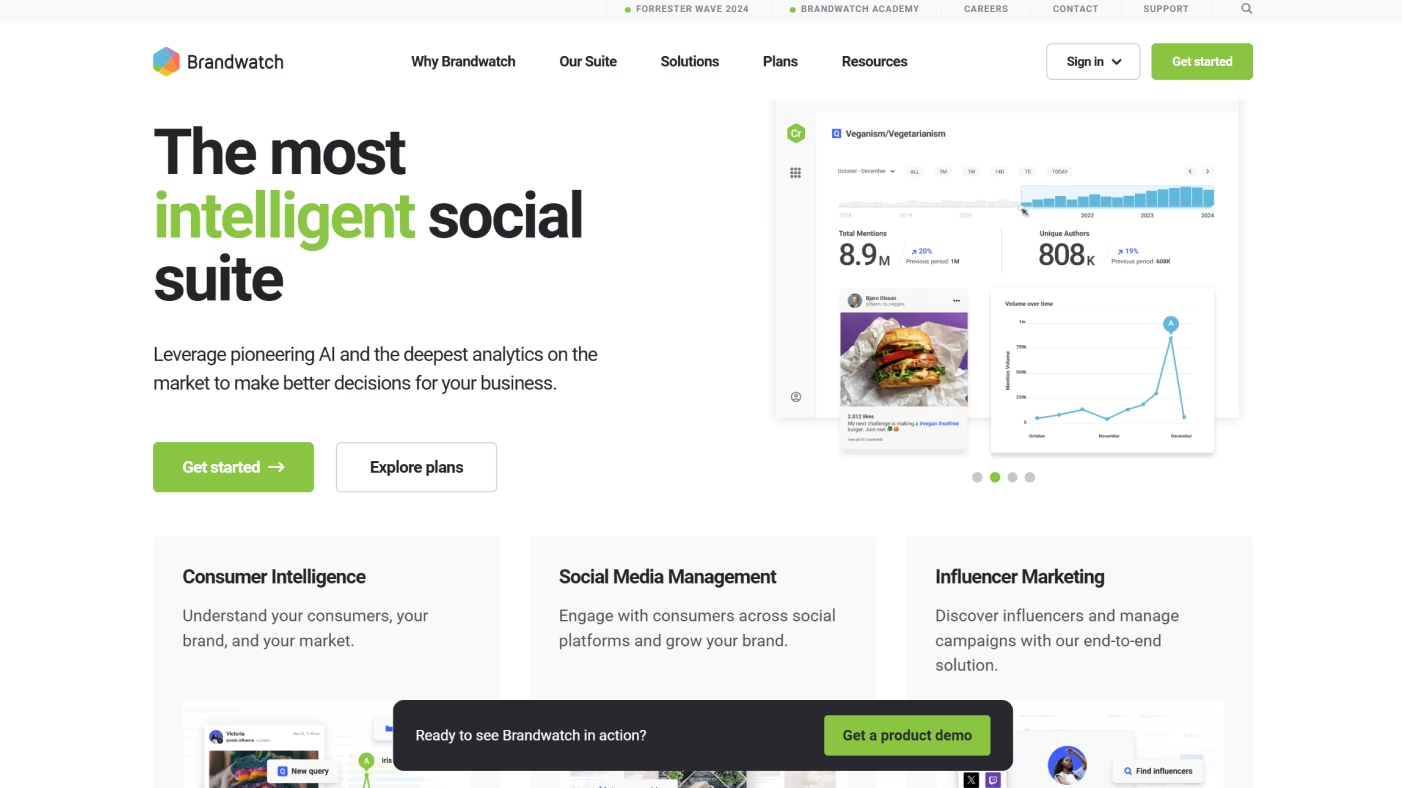
Brandwatch is built for digging deep into online conversations. It scans social media, blogs, and forums to give you a clear picture of how people talk about your brand (or your competitors).
What makes it stand out is the level of detail. Instead of just showing mentions, Brandwatch helps you understand sentiment, patterns, and the bigger story behind the chatter.
pros: powerful social listening; strong sentiment analysis; wide data coverage
cons: expensive; can feel overwhelming without training
Talkwalker
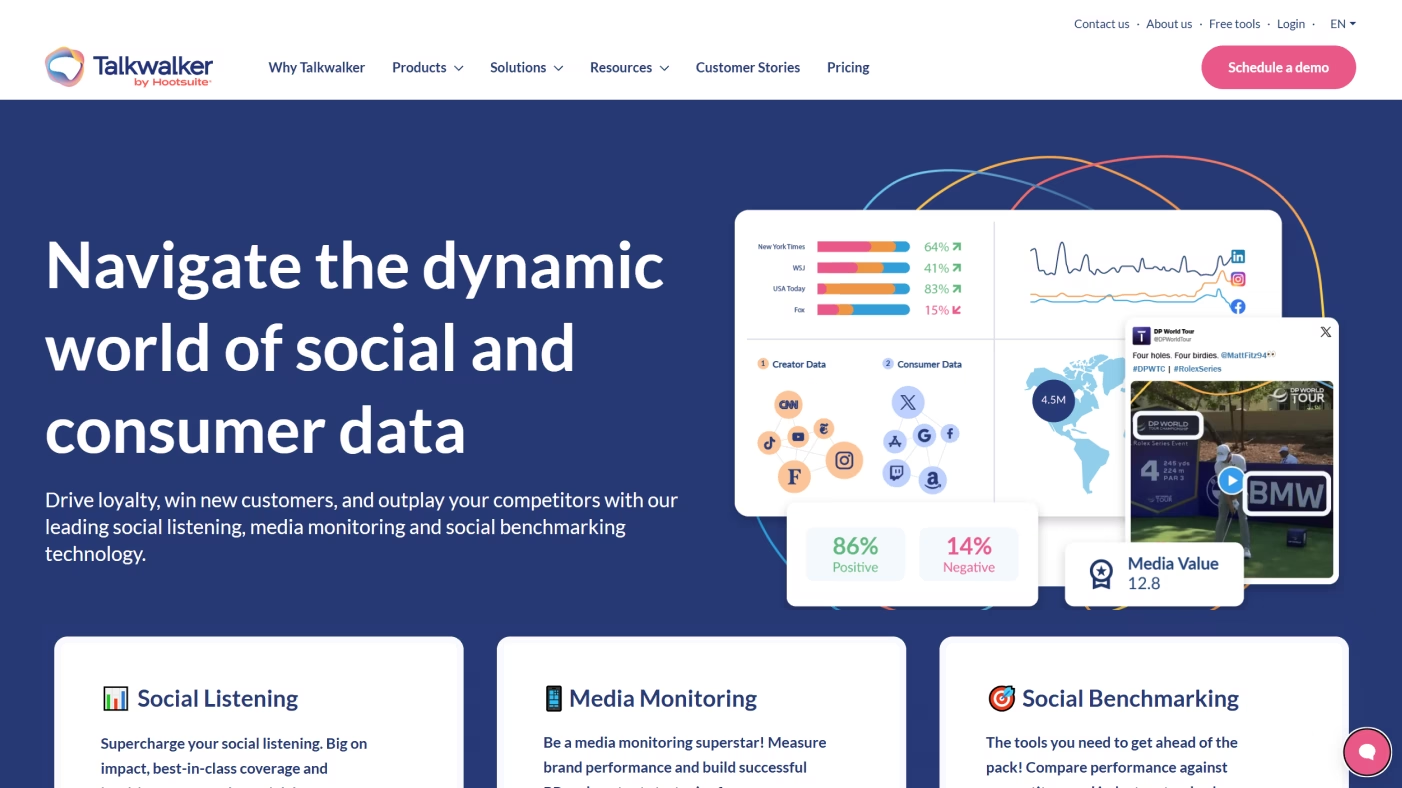
Talkwalker is another heavy hitter in social listening, with a focus on real-time insights. It tracks mentions across social platforms and news sources, which makes it great for staying on top of fast-moving conversations.
Compared with Brandwatch, Talkwalker shines when speed matters. It's perfect for brands that need to act quickly on trends.
pros: real-time tracking; broad media coverage; solid alerts
cons: pricing is steep; dashboard can be complex for beginners
Sprout Social
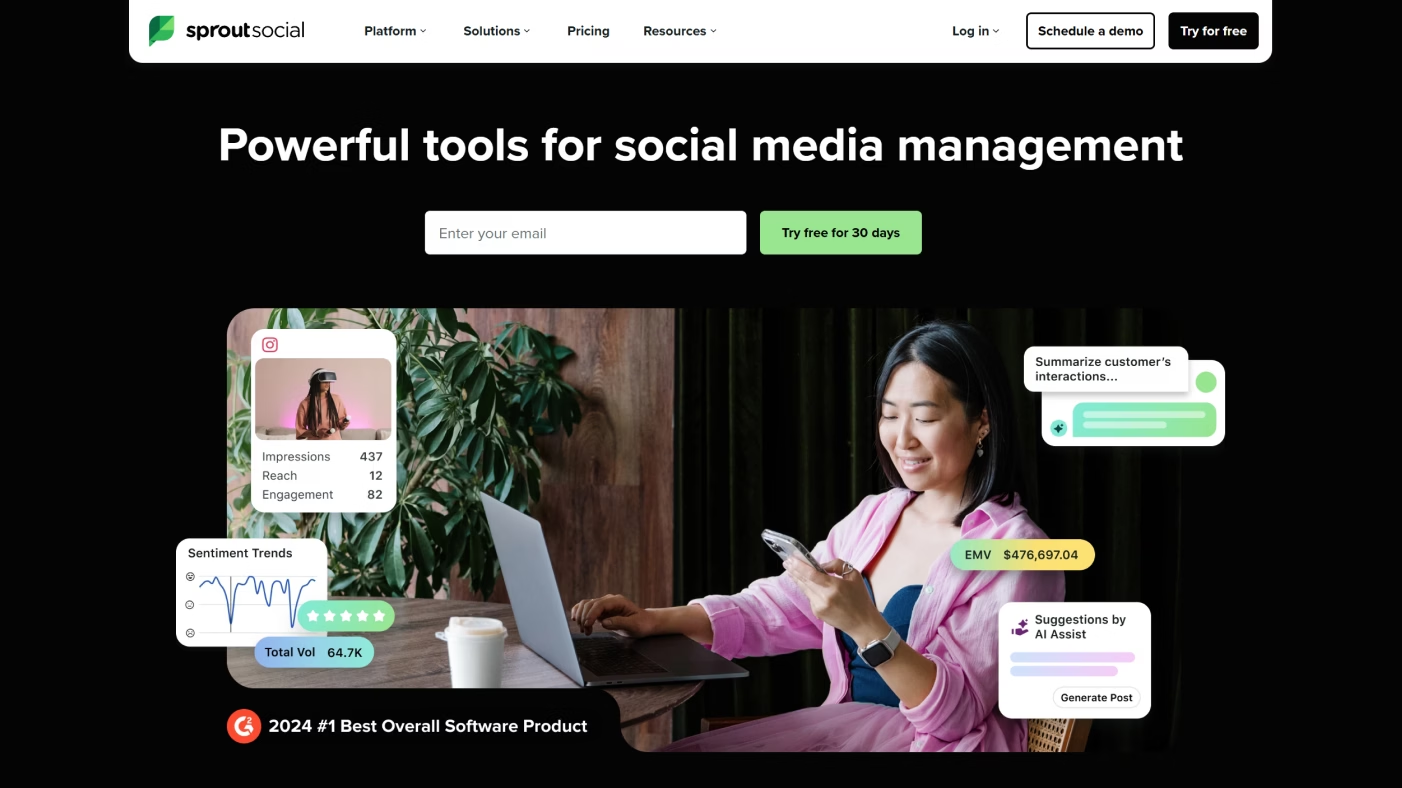
Sprout Social blends listening with social media management. Along with tracking conversations, it helps teams publish posts, manage engagement, and report on performance, all in one place.
That mix of features makes it more approachable than Brandwatch or Talkwalker. It's not as deep in analytics, but it's easier for everyday use.
pros: combines publishing and listening; user-friendly interface; good reporting
cons: less advanced than dedicated listening platforms; pricing can add up for larger teams
How to Choose the Right AI Marketing Tool
With so many AI platforms out there, the hardest part isn't finding tools - it's choosing the right one. The best fit depends less on flashy features and more on how well the tool matches your budget, team size, and goals.
Here are the most important things to keep in mind when choosing a marketing tool!
Budget: look at pricing tiers – free, SMB-friendly, and enterprise-level – and weigh what you get at each stage. Free versions are great for testing, but paid plans usually unlock the automation and integrations that save serious time.
Scalability: a tool that works for one person might not hold up for a 10-person team. Think about how easily the platform can grow with you, from solopreneur → small team → enterprise. Also, check out where adoption bottlenecks typically appear as teams scale.
Ease of use: some tools feel intuitive right away, while others are built for power users. Pay attention to the learning curve, onboarding, and UX, because adoption drops fast if the tool feels clunky – over half of marketing/CX teams report added strain when implementing gen-AI.
Support and community: strong customer service, clear documentation, and an active user base make a huge difference when you're learning something new. The easier it is to get help, the quicker you'll see results.
Matching tools to company size:
small business: Canva, Grammarly, ChatGPT…
mid-size: Jasper, Surfer, HubSpot…
enterprise: Adobe Sensei, Salesforce Einstein, Marketo…
The Future of AI Marketing Tools
AI in marketing isn't slowing down – it's evolving by the month. The next wave of tools will give marketers new ways to create, personalize, and measure campaigns, often in real time. Here are a few shifts already starting to take shape.
Generative Video and Visuals
Creating videos used to mean big budgets and long timelines. AI is changing that. Soon, you'll be able to turn a blog into a video or spin up an entire ad campaign in minutes. For brands, that means more engaging content without the usual production headaches. And for small teams, it levels the playing field with bigger competitors.
Hyper-Personalized Campaigns
Personalization is about to get much smarter. Instead of static segments, AI will predict what customers want and adapt campaigns on the fly. Email offers could update in real time, and landing pages might adjust based on a visitor's browsing behavior. Done right, it makes marketing feel less like marketing and more like a natural conversation.
AI-Driven Analytics and Insights
Spending hours piecing together reports may soon be a thing of the past. AI-driven analytics will surface insights automatically, point out what's working, and even suggest what to do next. Marketers get to spend less time buried in data and more time improving results in real time.
The Role of Recommend
Recommend bridges the gap between insight and execution. It analyzes real-time cultural signals, online conversations, and key publications to reveal what truly matters to your audience, and then turns those insights into actionable content ideas.
With ready-to-use templates for social posts, ads, articles, and more, Recommend helps marketers move from trend detection to campaign creation in minutes. The result is content that’s faster, smarter, and perfectly in sync with what audiences care about now.
Conclusion
AI tools have become part of everyday marketing. They help teams work faster, personalize content, and make better use of resources - drafting copy, running campaigns, and analyzing results with less effort.
Each category brings something different: content tools spark ideas and help you write, SEO platforms improve visibility, social and email keep audiences engaged, video captures attention, and automation connects everything behind the scenes.
The right fit depends on your stage and goals. Small businesses often thrive with free or lightweight apps like Canva, Grammarly, or ChatGPT. Mid-size teams look to Jasper or HubSpot for more structure. Large enterprises rely on Salesforce or Marketo to manage complex, multi-channel operations.
Looking ahead, AI will continue to make marketing more personal and more responsive to customer needs. If you want to stay ahead of that curve, Recommend is a smart place to start.