RecommendRecommend
Features

How Recommend Works: From Trend to Campaign

Recommend connects the entire marketing workflow, from spotting a trend to launching a campaign, in one place.

30/10/20252 min read
Recommend Works

Marketing moves fast, and most teams struggle to keep up.

Trends emerge overnight. Audiences shift direction. Campaign cycles get shorter every quarter. And somewhere in the middle of all that, teams are supposed to stay relevant, create high-quality content, and prove it's working.

The tools don't help. Intelligence platforms show you what's trending but leave you to figure out what to do with it. Creative tools speed up production but ignore the context behind the work. Analytics tell you what happened, but rarely connect back to what you made or why you made it.

This creates a gap between what you know and what you can actually do with it - content that's either quick to produce but generic, or relevant but slow to ship.

We built Recommend to fix that.

What Is Recommend and How Does It Work?

Recommend connects the entire marketing workflow, from spotting a trend to launching a campaign, in one place.

It's not separate tools duct-taped together. It's a system where each step flows into the next: intelligence finds what matters, Studio creates it, templates scale it, and campaigns bring it to life.

That's what Recommend does: four connected layers that turn a cultural signal into a live campaign, all within one platform.

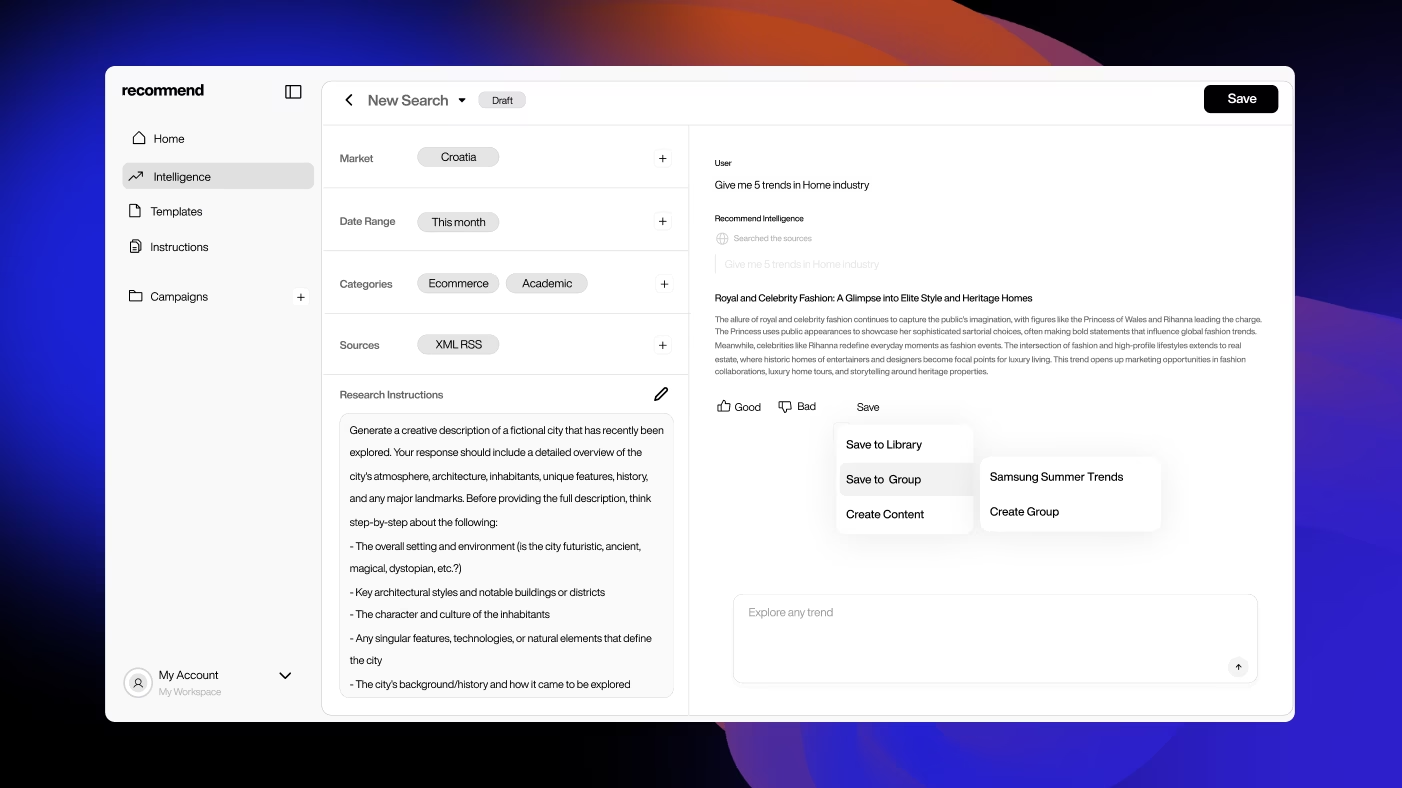
Step One: Spot What Matters (Recommend Intelligence)

Intelligence scans millions of data points - social conversations, online articles, emerging topics - to surface what people are actually paying attention to. You filter by industry, category, or topic to see what's relevant now and what's rising. No noise. Just the signals that matter.
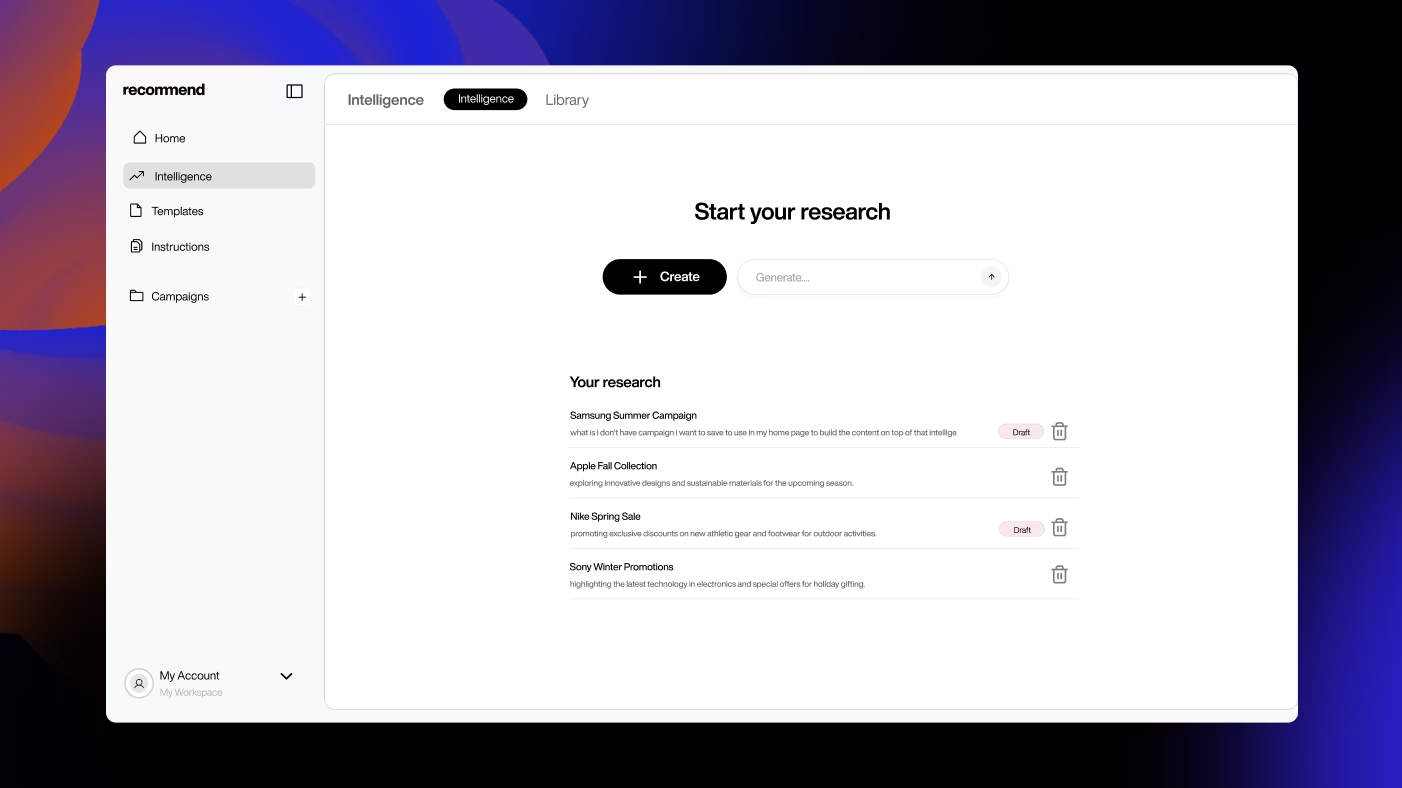
Recommend Intelligence

Step Two: Turn Insights into Content (Recommend Studio)

Once you've spotted an opportunity, Studio turns it into a creative brief. Pick a format, set your tone, and generate full content pieces (ad copy, visuals, landing pages, posts…) in one workspace. Every asset is fast to produce and aligned with the insight that sparked it.
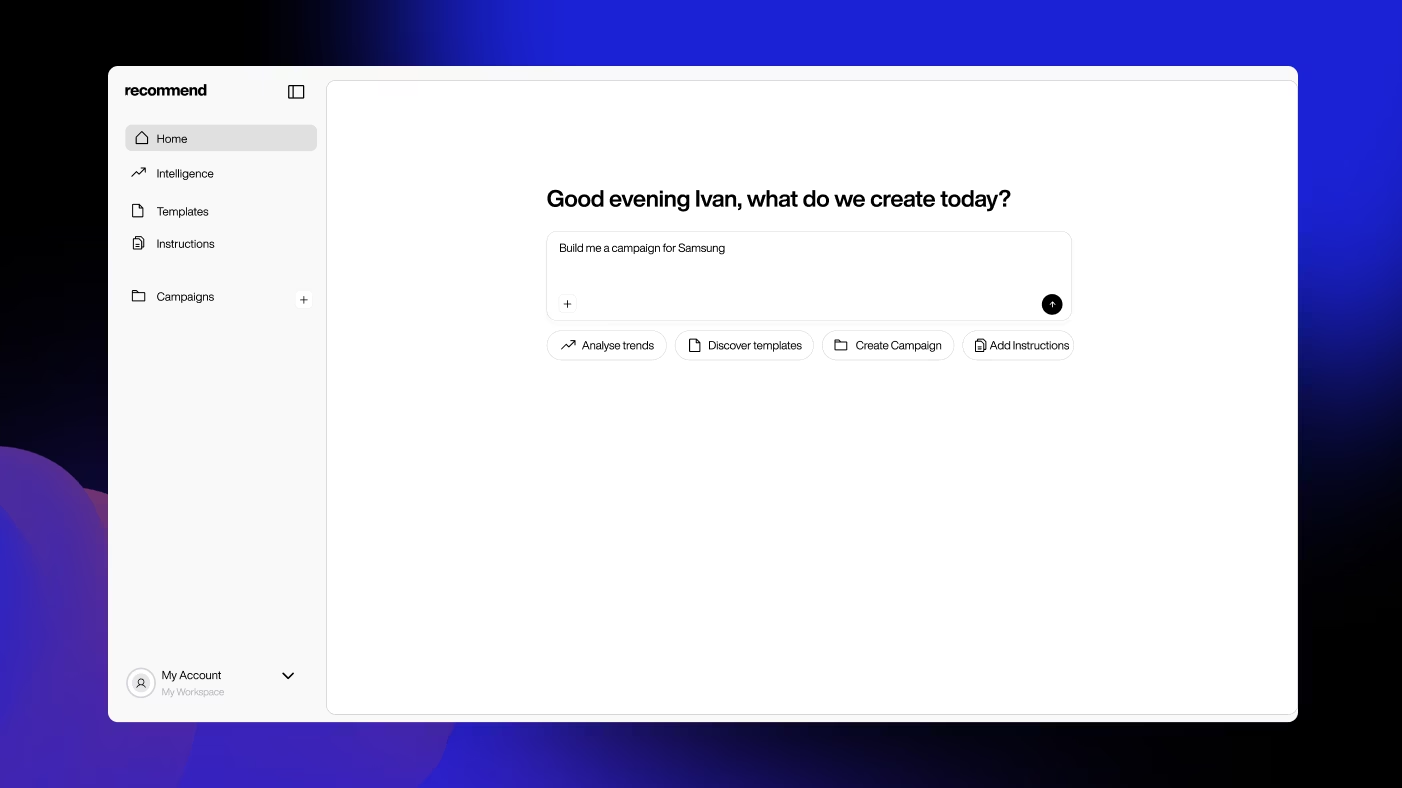
Recommend Studio

Step Three: Scale It with Templates

Templates make production scalable. They turn one insight into multiple campaign assets without losing consistency or speed. Create once, adapt everywhere.
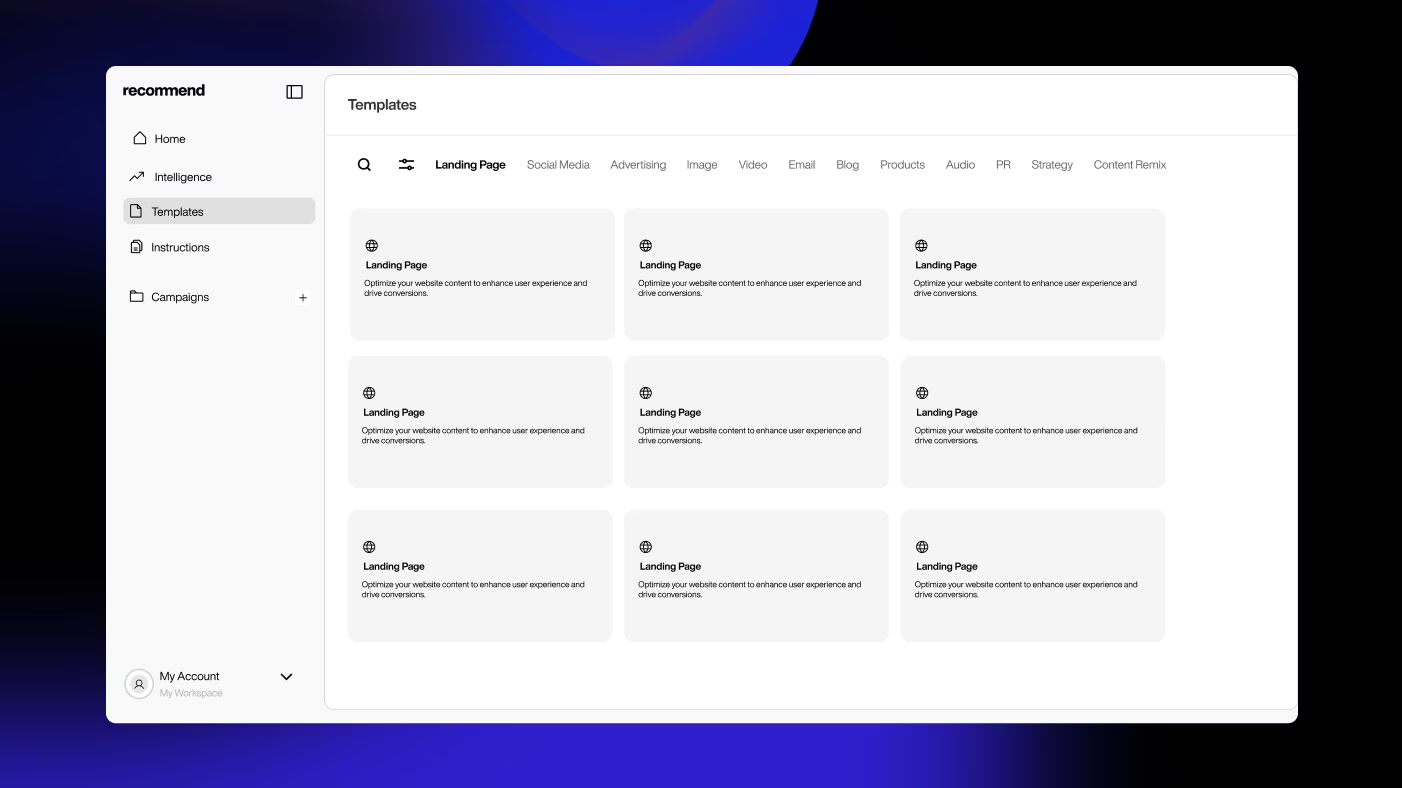
Recommend templates

Step Four: Launch, Track, and Learn (Campaigns Layer)

Group your content into campaigns, organize your assets, and track what's performing. Analytics is still evolving as a dedicated layer, but campaign organization already closes the loop between what you make and what works.

Recommend Analytics

How It Works in Practice

Before Recommend, a marketer spots a trend on Twitter, screenshots it, drops it in Slack, and waits. Three days later, they brief a designer. A week after that, there's a draft. By the time it goes live, the moment's gone.

With Recommend, Intelligence flags the trend automatically. The marketer opens Studio, picks a format, and generates three variations in minutes. They apply a template for Instagram, TikTok, and a landing page. Everything gets grouped into a campaign. Two hours later, it's live and they're already tracking performance.

The difference isn't just speed. It's that every decision is informed. The content knows what it's responding to. The campaign knows what it's testing. The team knows what's working.

Other posts

Recommend Studio
Features

Recommend Studio is an AI-powered creative workspace built for marketers, agencies, and brand teams who need to produce content quickly without sacrificing quality.

30/10/20253 min read
Recommend Intelligence
Features

Recommend Intelligence tracks what's gaining momentum across the internet - articles, videos, social posts, search behavior - and surfaces the signals before they go mainstream.

30/10/20253 min read
Recommend Templates
Features

Recommend Templates gives your team a library of proven, adaptable frameworks for any content type.

30/10/20253 min read